
Delete quick notes
Follow these steps to delete quick notes:
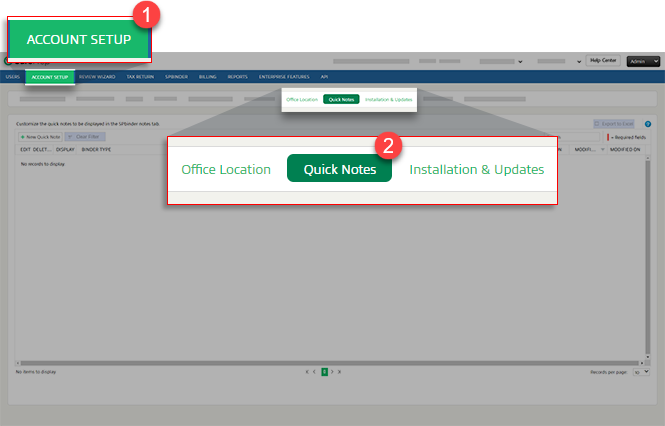
- SelectFileRoom,Admin,Account Setup, thenQuick Notes.
- To delete a note, selectDelete
 on the row.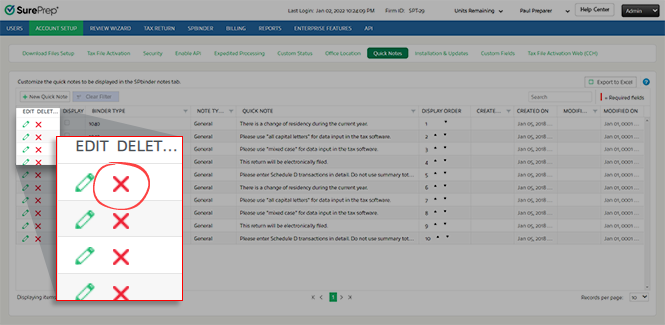
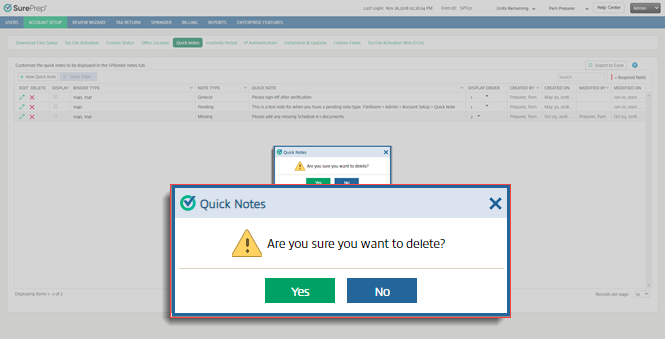
- In theQuick Noteswindow, selectYesto delete the quick note, orNoto cancel.
Related Content
-
About quick notes
Format: Article

