
Select consolidated return information
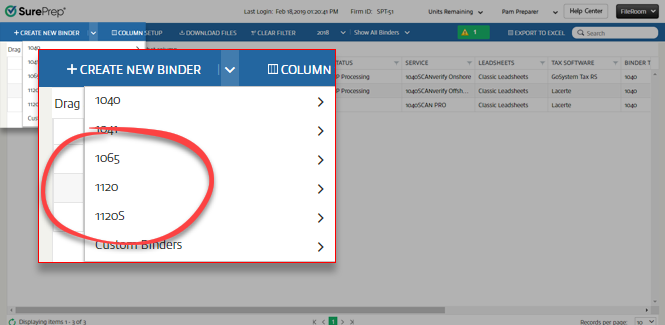
Select consolidated return information for 1065, 1120, 1120S
If you selected 1065, 1120, or 1120S service, then you will have an option to consolidate your group return information.
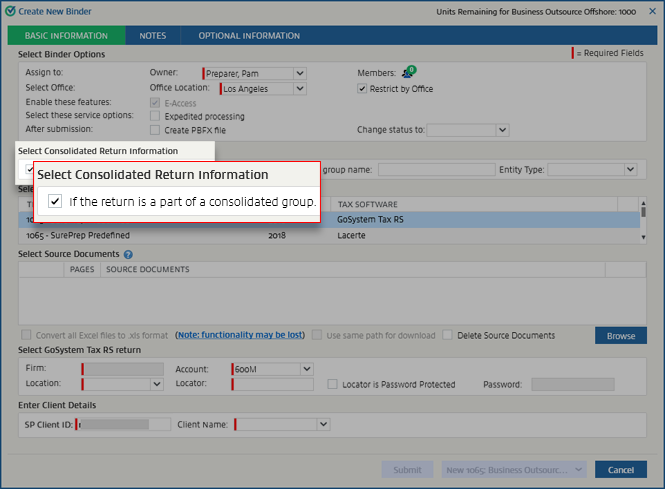
Select Consolidated Return Information
is used for returns that are part of a consolidated group. If it is, select the checkbox for If the return is a part of a consolidated group
.
Once the checkbox has been selected, the
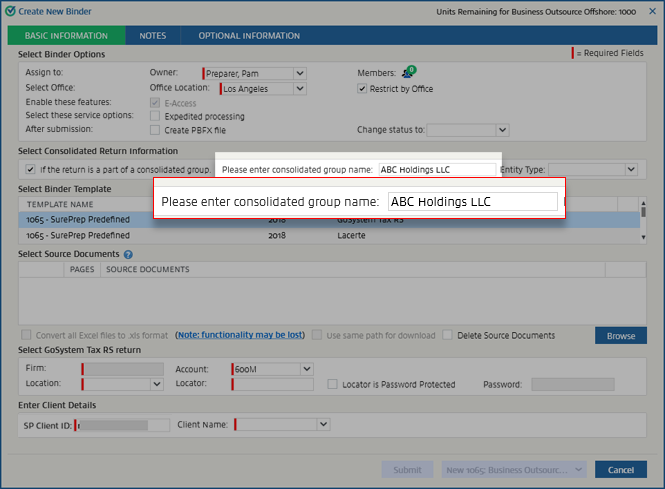
Please enter consolidated group name
and Entity Type
fields become active.Enter the group name in
Please enter consolidated group name
.
On the
Entity Type
menu, select the entity type.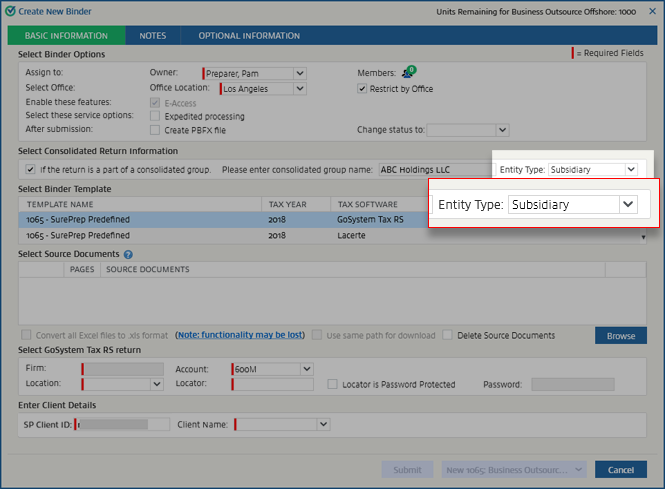
note
Eliminations Return
option is only available as an entity type for GoSystem returns. 
Related Content
-
Create new binder
Format: Article

