
Resubmit a binder that fails submission
If there is a failure during the submission of your binder, you'll receive an email about the failure. Follow these steps to resubmit the binder.
- In FileRoom, search for the binder that failed submission.
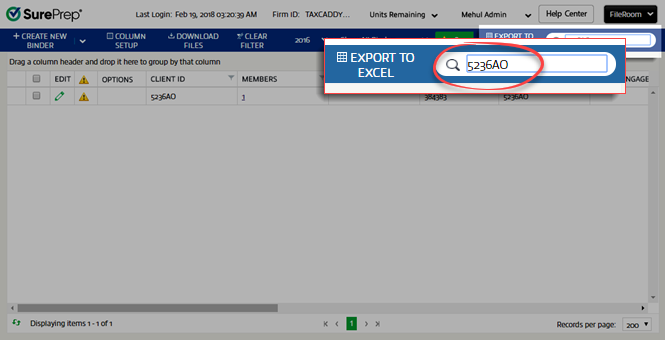
- You will see a caution icon for the failed binder. Hover over the icon to see the reason for the failure.

- In theOPTIONScolumn, select the folder icon.

- TheCreate New Binderwindow will open. Fix the problem, then selectSubmit.

Video: Resubmit failed binder
Related Content
-
Manage binders from FileRoom
Format: Article

