
View job info
Follow these steps to view job info.
- Go to theOPTIONScolumn and select thePicklisticon
 for that binder.
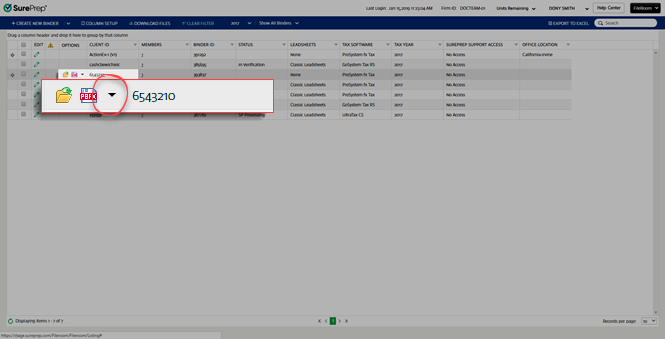
- SelectJob Infofrom the dropdown menu.

- Thewindow will appear.Job InfonoteYou can't edit the fields in this window.

Related Content
-
Manage binders from FileRoom
Format: Article

