
Capturing data from organizer pages
When creating a binder, you can choose whether or not to capture data from organizer pages. You can also choose if you want to show organizer pages in the review wizard.
note
This option doesn’t apply to 1041 binders.
Follow these steps to select organizer page options:
- Initiate creating a new binder.
- On theCreate New Binderwindow, select theProcessing Optionstab.

- SelectTax Return.

- Locate theOrganizer Pagessection.
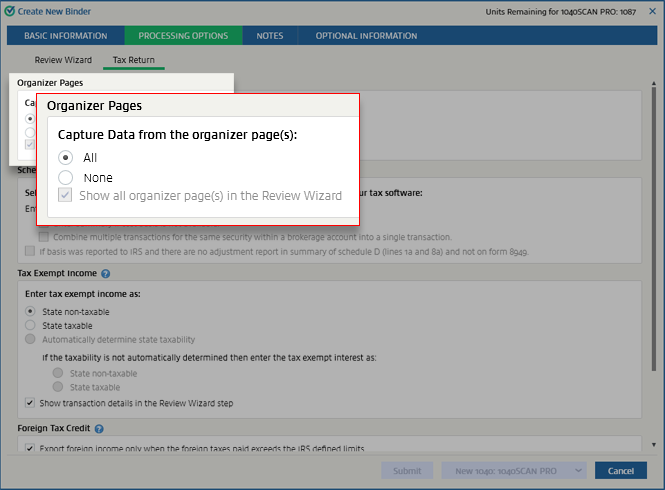
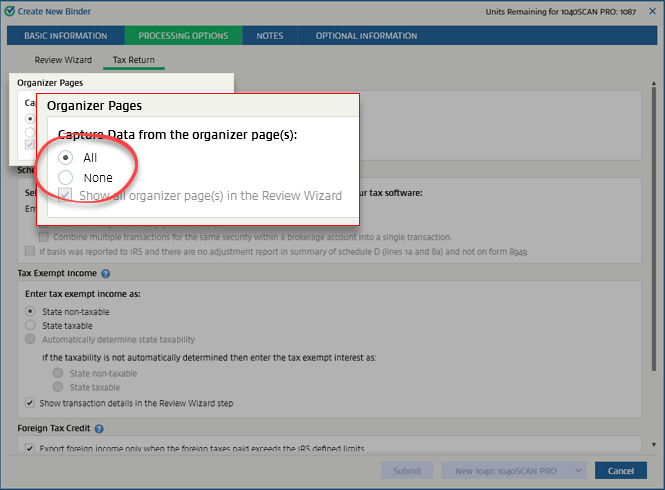
- UnderCapture data from the organizer page(s), select one of the following:
- All: Select this option to capture data from all the organizer pages uploaded in the return.
- None: Select this option if you want to bookmark the organizer pages only and don’t want to capture any data from them.
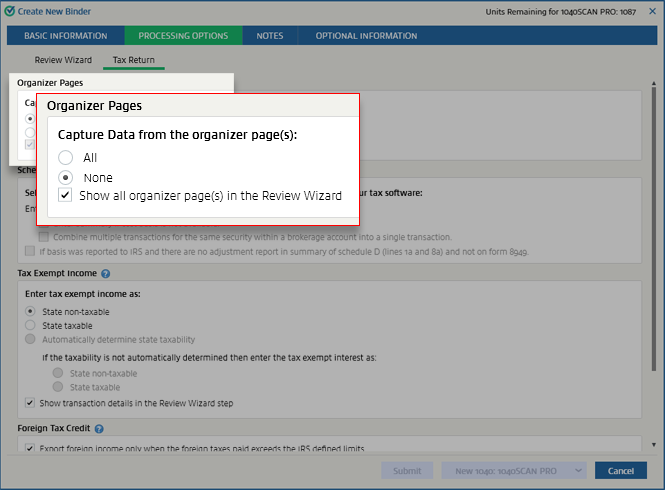
- If you selectedNone, then you can select theShow all organizer page(s) in the Review Wizardcheckbox if you want all the organizer pages to be displayed in the review wizard.
 If you opted not to capture data from the organizer pages and chose not to show organizer pages in the review wizard (by selecting theNoneoption and clearing theShow all organizer page(s) in the Review Wizardcheckbox), the single entity organizer pages (like Schedule C, Schedule E, Schedule F, Consolidated statements) will still appear in the Verification wizard and the identifier fields in it will be available for verification.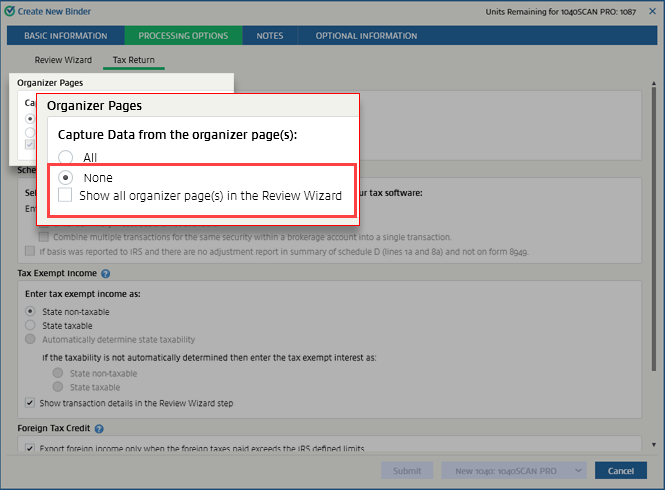
In Step 2: Verification wizard, only single entity organizer pages will be displayed. These pages only have the identifier fields available for verification.
note
The single entity organizer pages that match proforma won't appear in the Verification wizard.
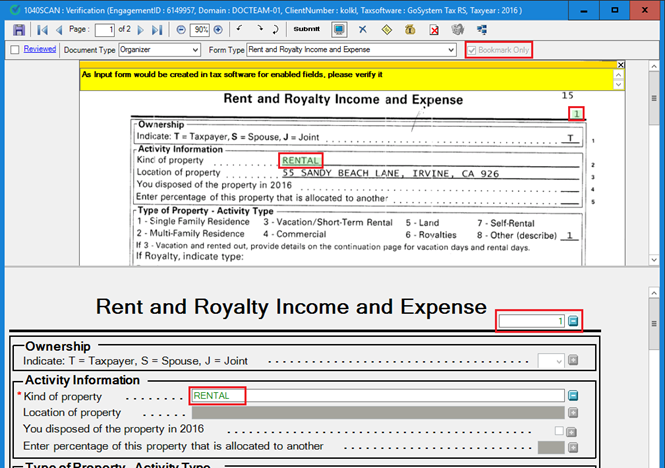
If you opted not to capture data from the organizer page but did choose to show the organizer pages in the review wizard (by selecting the
None
option and marking the Show all organizer page(s) in the Review Wizard
checkbox), the identifier fields from single entity organizer pages (like Schedule C, Schedule E, Schedule F, Consolidated statements) will be available for verification.All organizer pages will be displayed, but only identifier fields from single entity organizer pages will be available for verification.

In multi-entity organizers, identifier fields are not available for verification.

note
For 1040SCAN ORGANIZE binders, identifier fields from single entity organizer pages will appear in the primary verification wizard.
By default, these settings will match those chosen in . You can make changes here for this particular return. These settings will override the ones made in
Admin
.View detailed explanation on Organizer Page(s).
Related Content
-
Processing options
Format: Article

