
Create a new folder in the FileRoom File window
- Go to the binder where you want to add a folder inFileRoom.
- Go to theOPTIONScolumn, then select thePicklisticon
 for the binder.
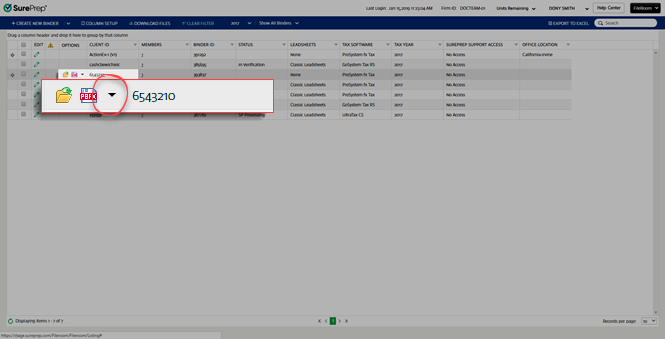
- SelectFilefrom the dropdown menu.

- In theFilewindow, select the folder where you want to add the new folder.

- SelectNew Folder.

- Enter a name inFolder Nameand description inFolder Descriptionin theAdd New Folderwindow, then selectSave.

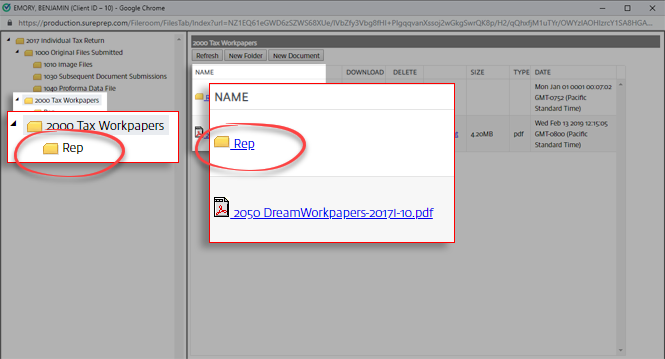
- The new folder will appear in the folder list.
Related Content
-
View stored binder files
Format: Article

