
Restore tax files for Lacerte
When a binder is completed, you'll need to download the Lacerte files from FileRoom and restore them to Lacerte.
- Openx:\SUREPREP\Received from SurePrep, wherexis your network drive letter.noteYou can locate theReceived from SurePrepfolder at the tab.
- Extract the tax application files.

- Open theLacerte Tax Software.
- Go toClient, thenRestoreto open theRestore Clientswindow.
 You can also select theRestoreicon from the toolbar.
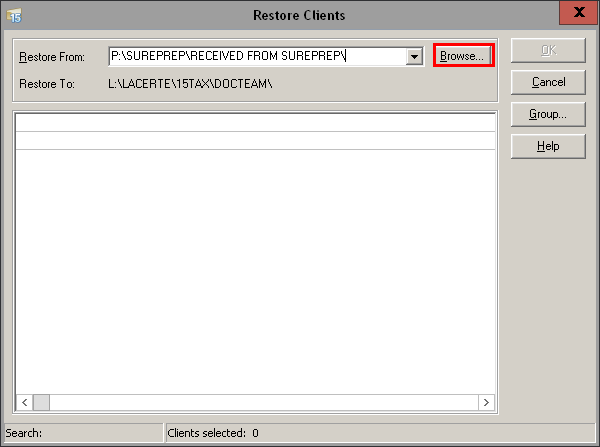
- SelectBrowse...and go to the path where the downloaded file was extracted.
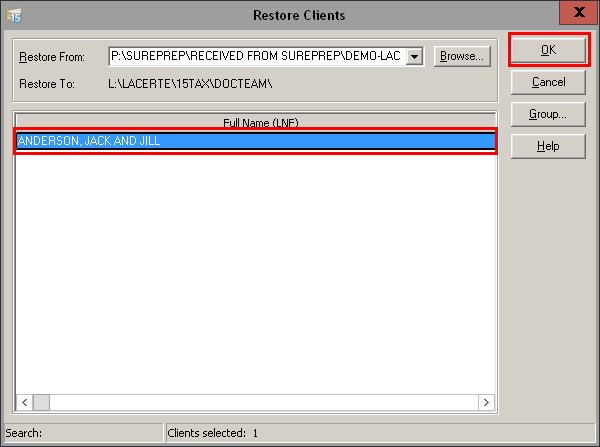
- The client will appear in theRestore Clientswindow. SelectOK.
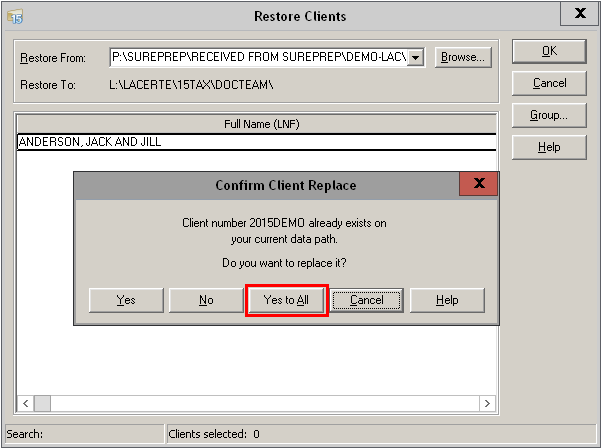
- In the confirmation window, selectYes to All.
- It will now be restored into Lacerte, and you can check the return prepared and completed by SurePrep.

