
Restore tax files for UltraTax
When a binder is completed, you'll need to download the UltraTax file from FileRoom and restore it to UltraTax.
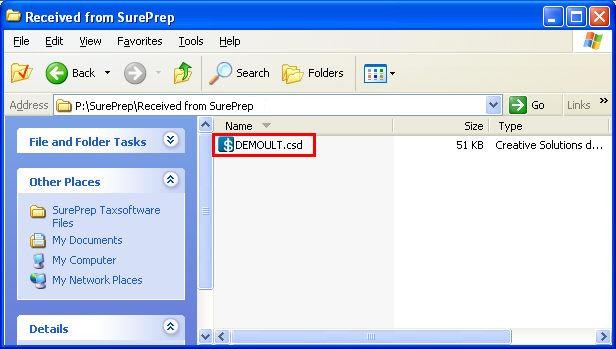
- Openx:\SurePrep\Received from SurePrep, wherexis your network drive letter.
- Open the.csd filethat you'd like to restore to open UltraTax.
- TheRestorewindow will open. Select the client and selectRestore.
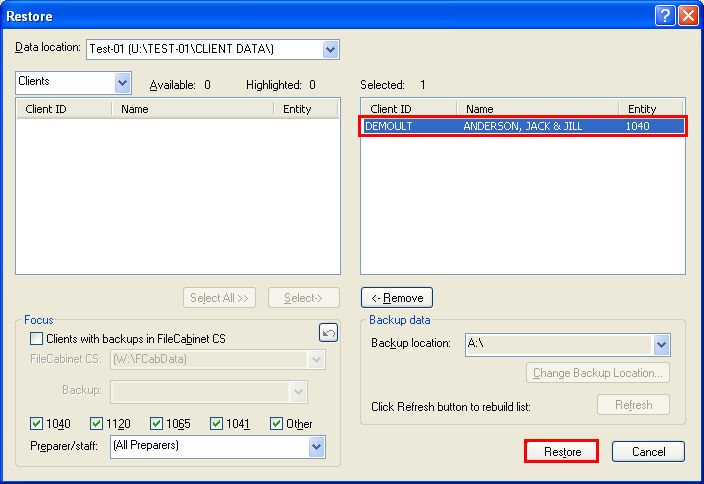
- It will now be restored into UltraTax, and you can check the return prepared and completed by SurePrep.

