Tax File Activation setup overview
Tax Software Activation lets you add your tax software credentials to integrate with SurePrep services. Adding your tax software to SurePrep lets you to:
- Create a binder (e.g., select a binder template based on your tax software)
- Select a binder template and import client proforma from your tax software
- Export client data (i.e., Export to Tax) to the tax software
- Import client's tax return data into SPbinder
- Create a Document Request List (DRL) for your client in TaxCaddy.
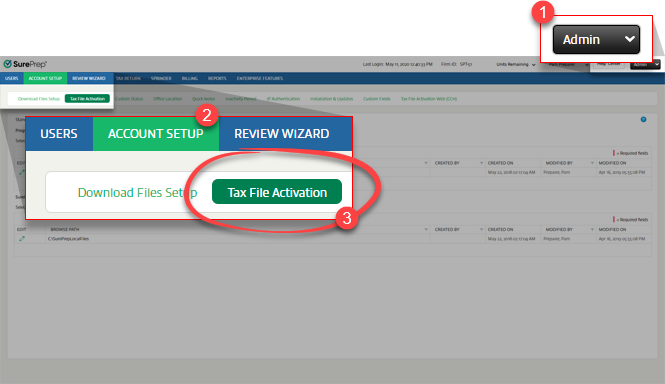
To add your tax software, go to
FileRoom
, Admin
, Account Setup
, then Tax File Activation
.
On the
Tax File Activation
window, select the tax software name to view the relevant tab. 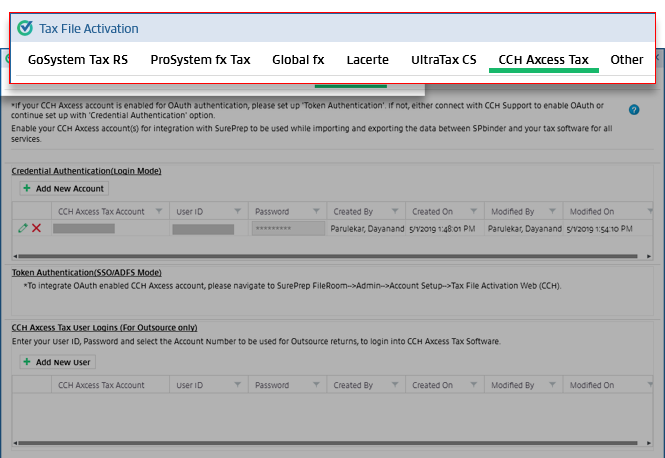
When creating a new binder, select a binder template based on your client's tax software. You won’t see your tax software listed under the
Select Binder Template
section until your firm adds it to SurePrep. Once your firm completes the Tax File Activation, you can view and select a template for the added tax software.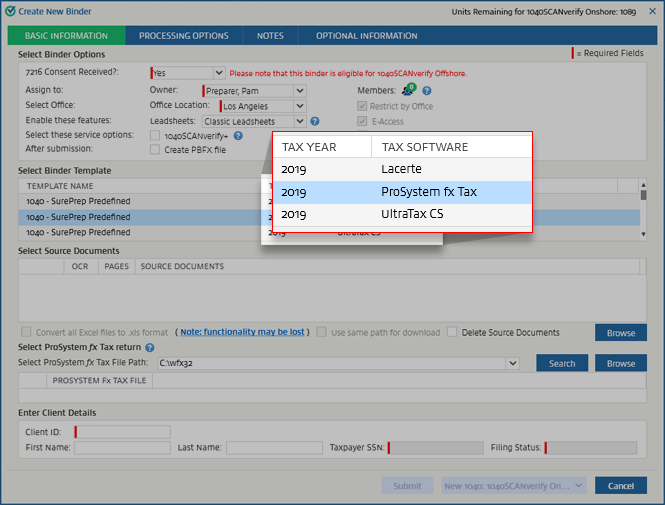
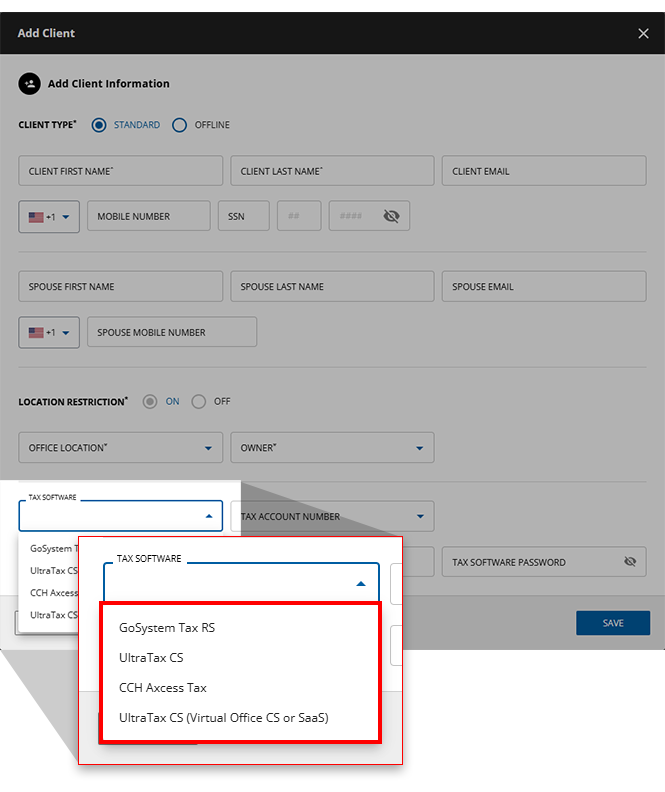
Similarly, the tax software will also appear in TaxCaddy when you are adding or importing a client. Tax software information is also used to create a document request list (DRL) for the client.