
Access Reviewer Dashboard
Reviewer Dashboard
is accessible through FileRoom, so you don't have to create separate credentials to sign in. Follow these steps to access the
Reviewer Dashboard
via FileRoom.- Sign in to SurePrep FileRoom.

- Point to the dropdown menu, then selectDashboard. TheDashboardoption will only appear in the dropdown menu if you have access to Reviewer Dashboard enabled.noteReviewer Dashboard can also be accessed fromTaxCaddyandAccount Admin.

- Reviewer Dashboard opens. The SurePrep navigation bar stays at the top, so you can switch between Reviewer Dashboard, FileRoom, and TaxCaddy as needed.

If the Reviewer Dashboard is inactive for 20 minutes (default settings), an
Alert: Inactivity Timer
will confirm if you want to Stay Logged In
or else the system will automatically Log Out
in 5 minutes.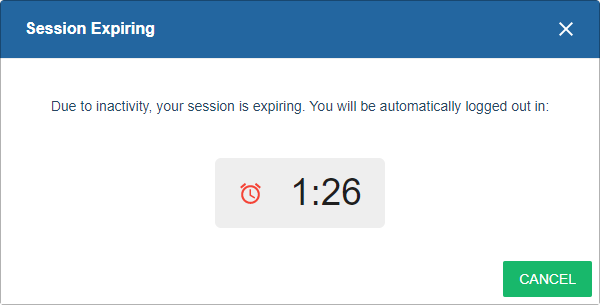
In SPbinder, users can select the  icon to directly access the clients' information in
Reviewer Dashboard
icon to directly access the clients' information in Reviewer Dashboard
.
Related Content
-
Get started with Reviewer Dashboard
Format: Article

