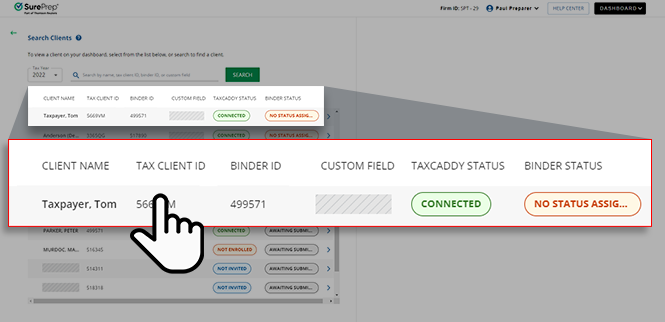
Search in Reviewer Dashboard
Reviewer Dashboard's search feature lets you search clients in FileRoom and TaxCaddy. You can search for clients with the following attributes:
- Client's first name
- Client's last name
- Binder ID
- Tax Client ID
- Custom fields created by the firm (e.g., 'Project ID')
Follow these steps to search for a client in the Reviewer Dashboard:
When you log into Reviewer Dashboard, the client list will appear automatically. Here you can select the tax year and search for your client by name, ID, status.
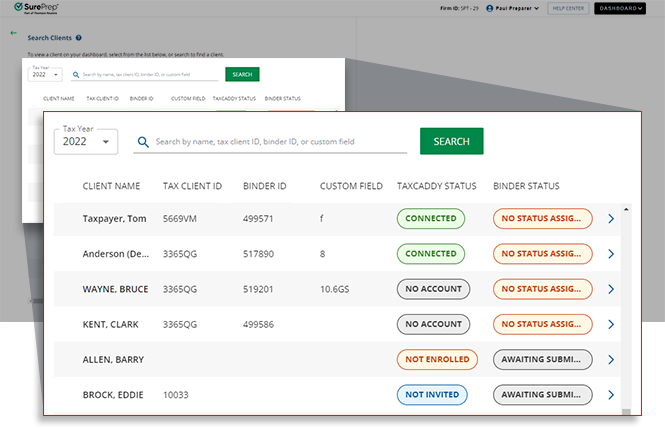
If you don't see the client list, select the
Client List
icon.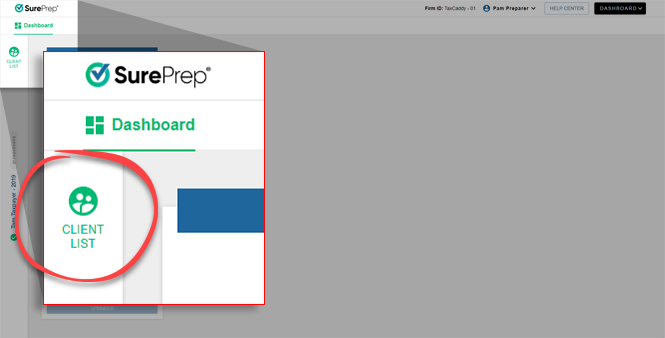
Select the applicable tax year.
note
Binders can only be viewed from the tax year they were created in.

In the search field, you can search for clients with the following attributes:
- Client's first name
- Client's last name
- Binder ID
- Tax Client ID
- Custom fields created by the firm (e.g., 'Project ID')
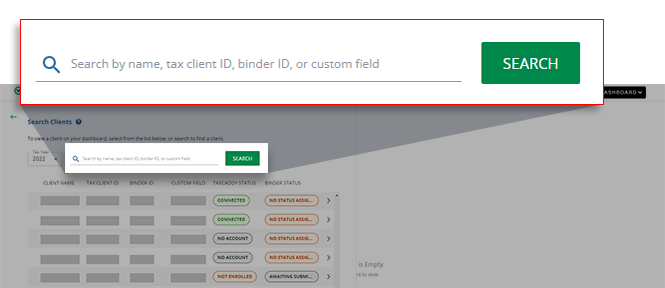
note
Clients you don't have access to will appear in the search results as non-accessible (not available). This can include clients restricted by assign members or office location restrictions. 7216 restricted clients won’t appear in your list if you don’t have 7216 access enabled.
Select a client's record to review the client's checklist.