
Unable to view documents in Reviewer Dashboard
You will get the
Unable to Load File
prompt if the document can't be viewed in the Reviewer Dashboard. Documents uploaded to SPbinder by drag and drop can't be viewed in the Reviewer Dashboard.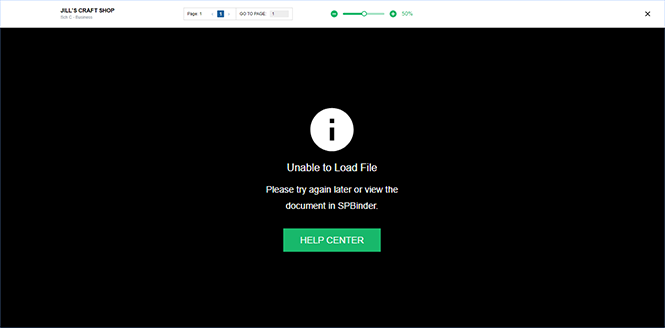
This will appear for documents added to SPbinder through the Drag and Drop feature instead of using the Add Documents feature.
note
You may also get the
Unable to Load File
message for the following reasons:
- The document is password-protected.
- The document is damaged.
- The document is digitally encrypted.
- The document is a TIF or TIFF file format, which is not viewable/supported in the Reviewer Dashboard. To view the workpaper/document, view the document in SPbinder.

