
Pages modified due to email security services
Scenario
Some firms use advanced email security services to protect people from downloading malicious files sent to their email. These services scan the email attachments before you download the document. We've noticed that some of these services modify PDF documents.
As a result, when taxpayers email you PDF documents, the email security service may modify the PDF before you download them for submission to SurePrep. This can occasionally lead to issues with OCR accuracy, such as some fields not being captured. For example, you may see the page size or dimension change from the recommended original 8.5 x 11 in size.
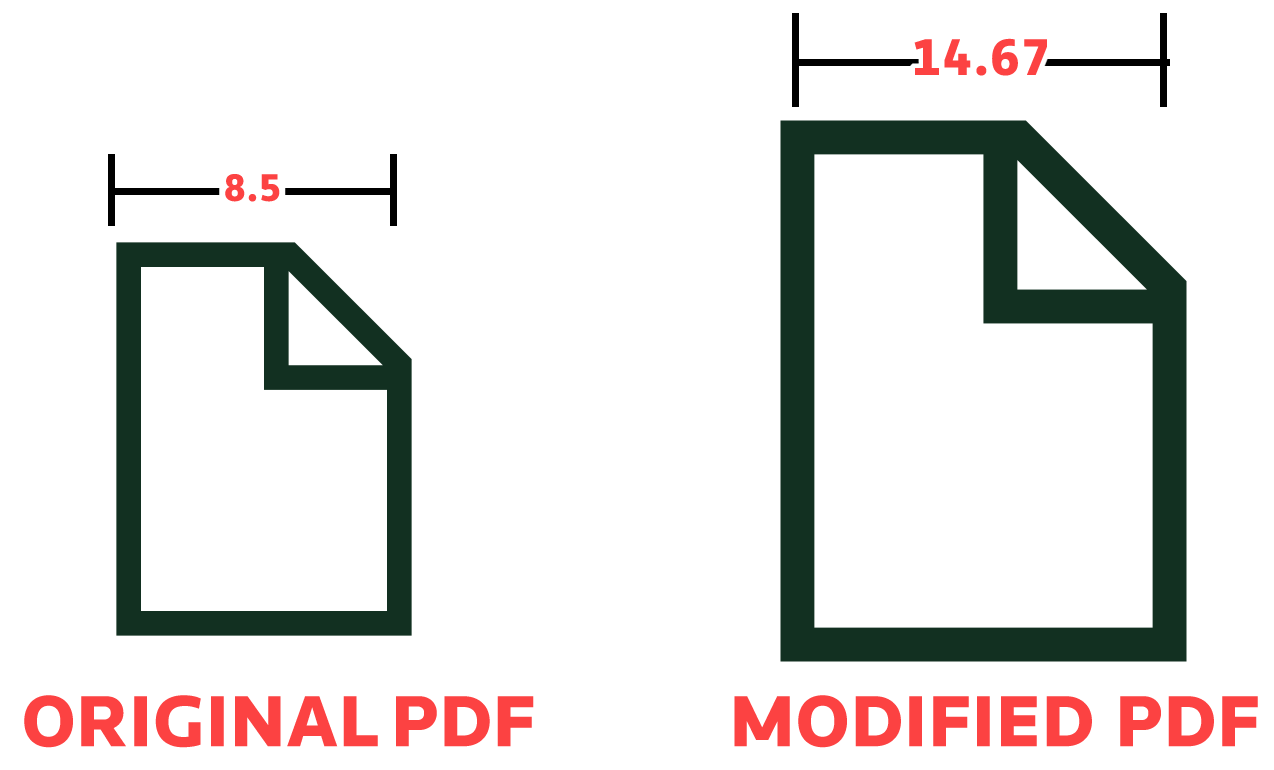
tip
You can view the page size by opening the PDF in Adobe Acrobat. Right-click the page, then select 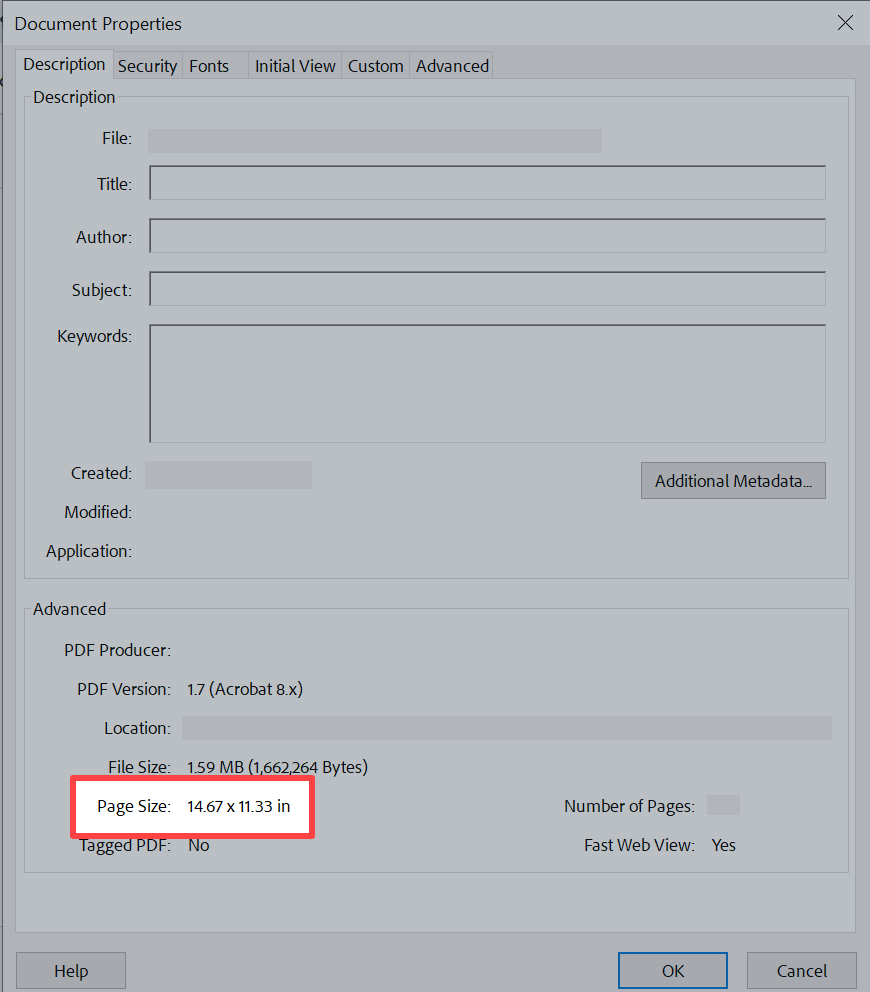
Document Properties
. In the Advanced
section, verify the Differences in page size may indicate that the security service changed the document.Recommended solution
Try to get the original copies of the PDF. This lets you retain the original text layer of the PDF and the page size (8.5 x 11 in) to take advantage of auto-verification.
If you're using an email security service, we suggest whitelisting your client's email address to ensure the integrity of their PDF attachments remains intact. This will help you preserve the original format of the documents when you receive them.
Specific instructions for Mimecast customers
If you're using Mimecast for an email security service and receiving tax documents through email, select
Request and Trust Sender
to maintain the original state of your PDF documents.

