
Sign in to FileRoom with SSO (Single Sign-On)
Single Sign-On (SSO) allows a user to access multiple services without needing to use multiple logins. Similarly, FileRoom SSO sign in gives you the convenience of logging into SurePrep FileRoom directly from your firm's sign in portal without entering separate user credentials for FileRoom.
Furthermore, SurePrep also offers automatic user provisioning (that is, you don’t need to manually register as a new user in
Account Admin
). Once SurePrep receives a response from your firm's portal (that is, Identity Provider), SurePrep checks if this user exists. If the user doesn’t exist, SurePrep creates a user account automatically with the information provided by your firm.Go to https://production.sureprep.com then select
Sign in with Thomson Reuters Account
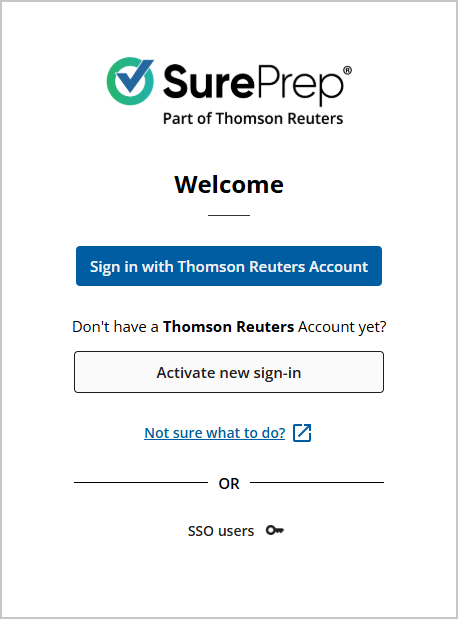
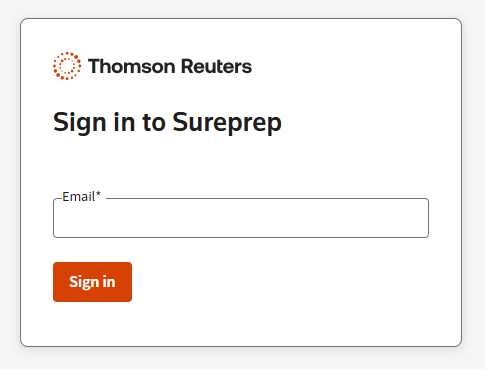
Next, enter your
Email
, then select Sign in
.
If your firm has set up SSO integration with SurePrep, then you will be directed to sign in through your tax firm's sign in portal.
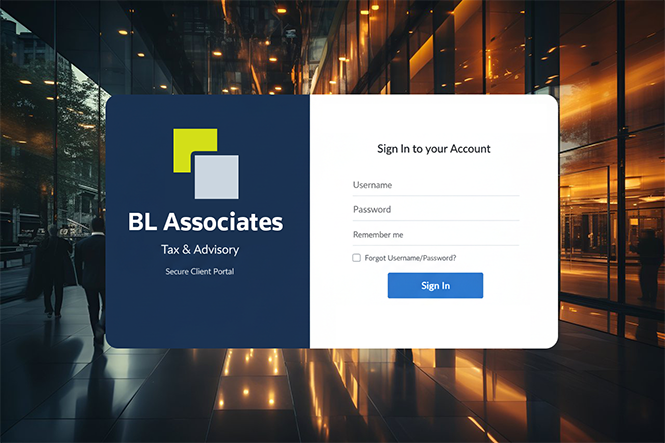
If you are assigned to more than 1 firm domain, select your firm ID from the dropdown menu, and then select
SUBMIT
.
Resolving sign-in issues
When entering a
Firm ID
, an error message appears if your firm doesn’t use SSO. You must sign in to FileRoom with a username and password. 
note
If your firm doesn’t use SSO, and you forgot your password then you can sign in by resetting your password.
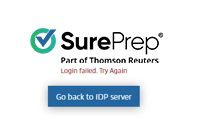
You'll see the following error message if a user already exists with the same username. Contact your Firm System Administrator or SurePrep support to resolve this issue.
Related Content
-
Sign in to FileRoom (standard sign-in)
Format: Article,
2 min read
Article,
2 min read
-
Sign in to FileRoom (standard sign-in)
Format:
Article,
2 min read

