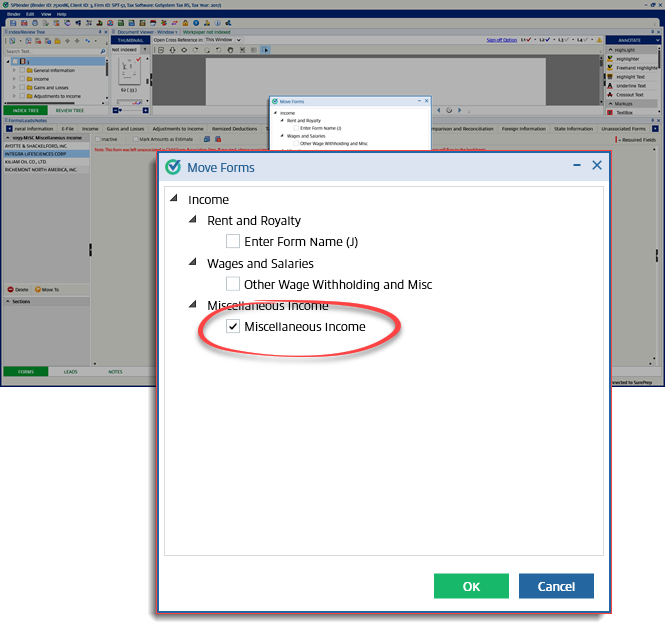
Move forms from the unassociated tab
All the source documents that remain in the
Available Child Forms
section in the Child form Association
wizard will be displayed under the Unassociated
category in the Forms
Tab.Follow these steps to move
Unassociated Forms
to their respective forms:Select the
Unassociated
tab located at the end of the Forms Category
panel, then select a category from the dropdown menu.
Select the form you want to move, then select  .
.
Move To
.
The
Move Forms
window opens with the list of forms where the unassociated forms can be moved. Select the required forms from the list then select OK
.The reference will be moved to the selected form.