
Adding or updating your profile picture
You can edit and upload profile pictures on your TaxCaddy account for others to see. Profile pictures are a great way to help your clients identify you through your messages, client activity feed, etc
Follow these steps to edit or upload your profile picture:
- Sign in to TaxCaddy.
- Select theSettings

- Select theprofile picture placeholderto upload and edit your profile picture.
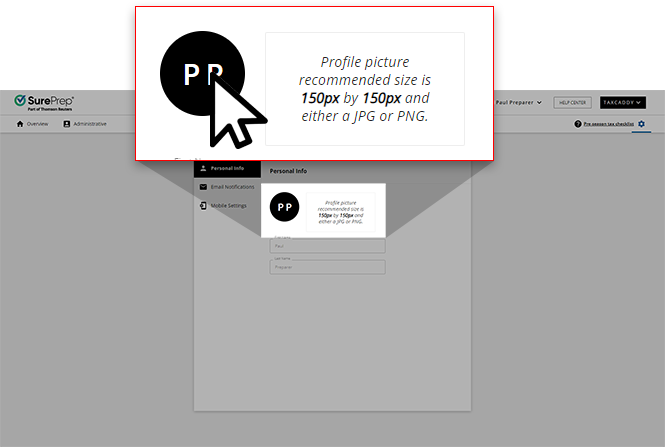
- Select an image from your device. Profile picture-recommended size is 150 px by 150 px and either a JPG or PNG.
- You can rotate your image, zoom in, and zoom out to adjust your profile image. Once you're satisfied, selectSAVE.

- The image is now uploaded and saved.
Related Content
-
Administrative screen
Format: Article

