Converting Excel invoice to PDF
If you created an invoice in Excel, you must convert it to PDF to upload it as an invoice.
Follow these steps to convert an excel file to PDF:
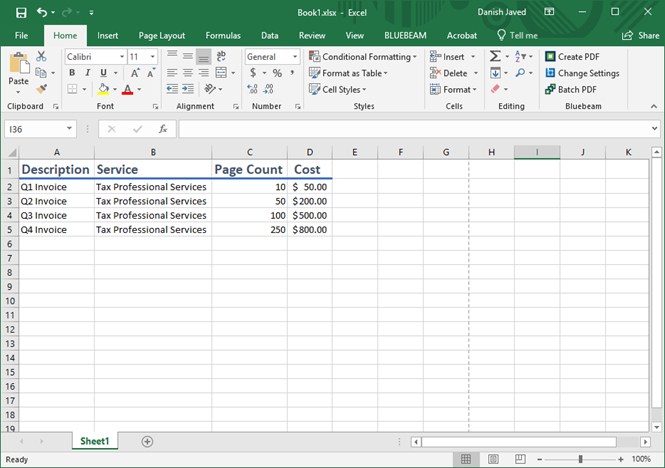
- Open the invoice sheet in Excel.
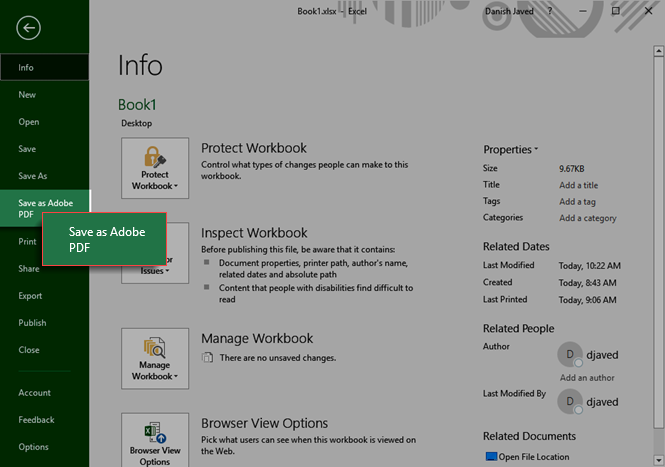
- Go toFilethenSave as Adobe PDF.
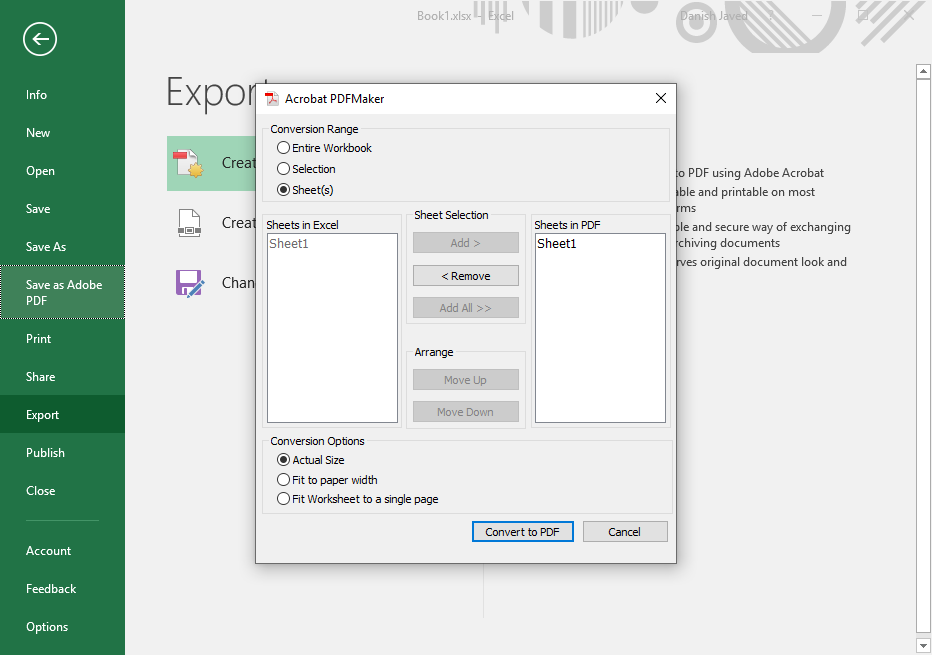
- Select your options then selectConvert to PDF. Select the options then selectConvert to PDFto convert the excel document to a PDF.