
Important information about client enrollment
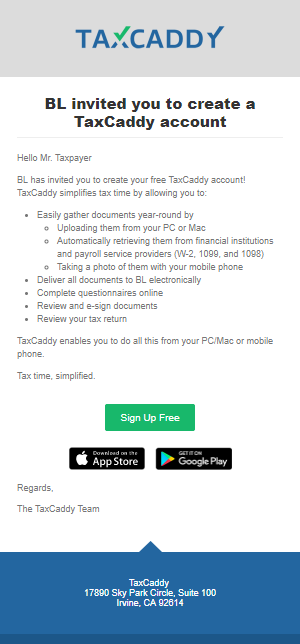
What your clients see in the Invitation
Your client can create an account by clicking the link in your Invite or Reminder email.
Your Connection Request appears in your client’s TaxCaddy notifications when they log in after creating an account. Once you have sent the invite, you can begin sending messages, letters for sign or review, and document requests. These documents can only be viewed once the client connects to their Tax Professional. More detailed information is available in the taxpayer-facing TaxCaddy Help Center.

