
Restore a filed questionnaire
Once a taxpayer client's questionnaire has been filed/archived and saved to the
Uploaded Documents
tab of their profile, they can't update any of the answers they've provided. If a client needs to revise any of their answers, the filed questionnaire must be deleted from their account. This can be done by the taxpayer in their own account, or by you as their tax professional.Review the taxpayer's experience of deleting a filed questionnaire.
Follow these steps to delete the questionnaire file on their behalf:
- Go to theUploaded Documentstab of the client's profile.

- In theQuestionnairecategory, find the[Tax Year] - Questionnairefile and select theMenu
 icon. From the document menu, select Delete.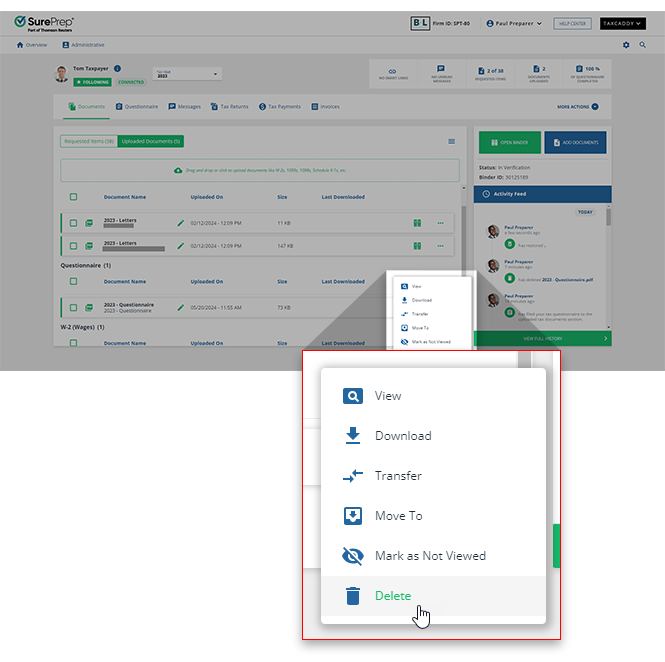
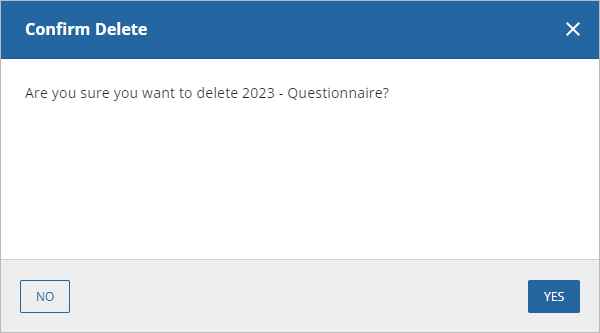
- TheConfirm Deletewindow will appear asking you to confirm the deletion. SelectYESto delete the questionnaire, orNOto return to the client's profile without deleting the file.
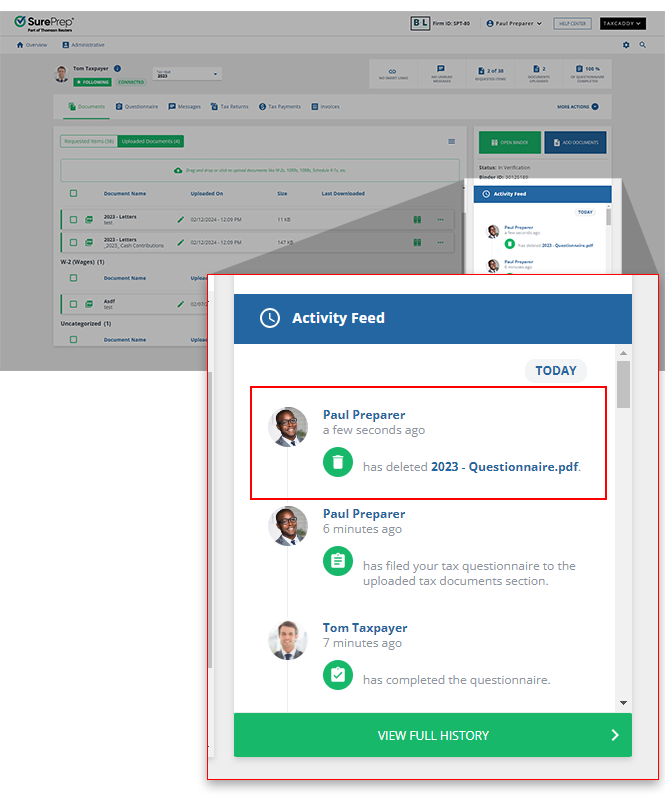
- The deletion is reflected in the profile'sActivity Feed. Your client can now modify the answers to their questionnaire.
Related Content
-
File a client's questionnaire
Format: Article
-
File a client's questionnaire
Format:
Article

