
Indicate a requested item doesn't apply, was already provided, or was prepared by your firm
You and your client can fulfill a client's document request by marking the document as doesn't apply (not applicable), has already been provided, or is being prepared by your firm. Requested documents marked as
Doesn't Apply
/Already Provided
/Firm Preparing
will be appropriately denoted in the client's documents request list.
Follow these steps to indicate that a requested document doesn't apply (not applicable), has already been provided, or is being prepared by your firm:
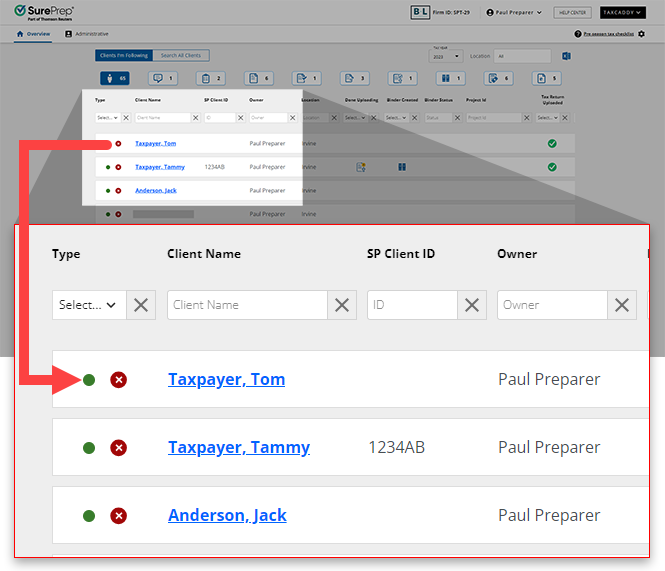
- On thescreen, select a client tile to view the client profile. You can also search for a client and select the client tile from the result.Overview
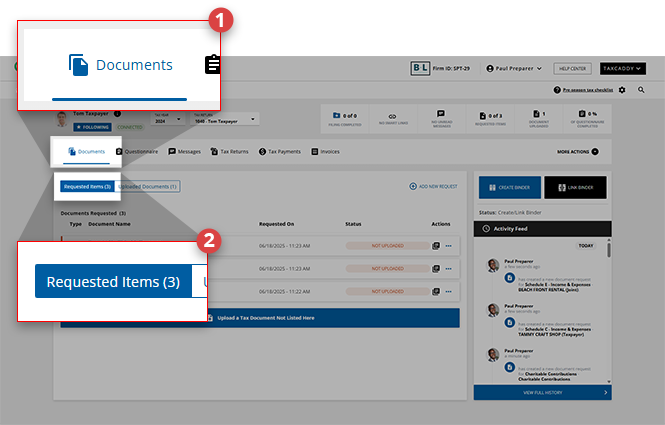
- SelectDocuments, then selectRequested Items.
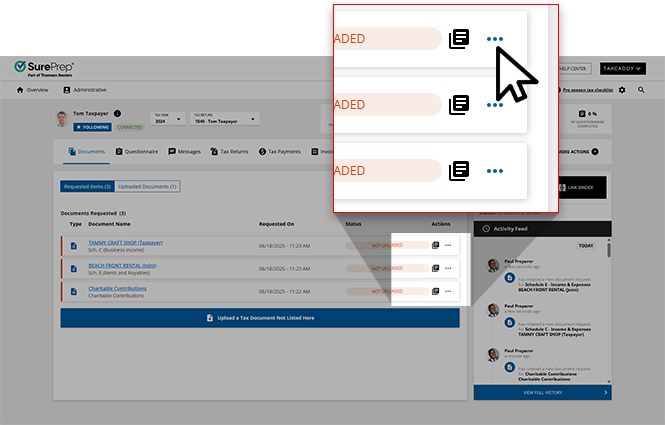
- On the document tile, select theMenu
 icon.
icon.
- On the document menu, selectAlready Provided,Doesn't Apply, orFirm Preparing
- Doesn't Apply: This requested item does not apply to you
- Already Provided: This requested item was provided to your tax professional elsewhere
- Firm Preparing: Your tax professional will be preparing this request on your behalf

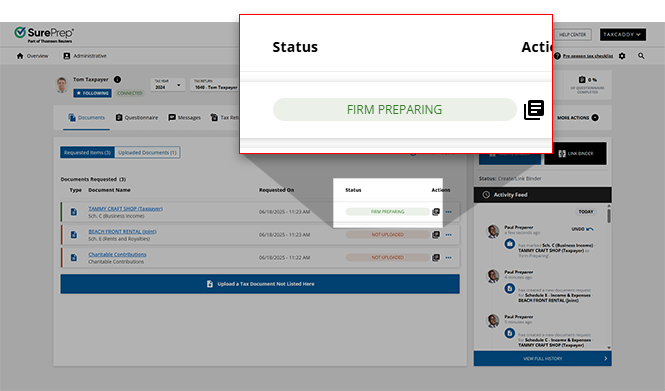
- You selection will be reflected in the resulting badge in theStatuscolumn.
note
Marking a document as
Already Provided
or Doesn't Apply
fulfills a client's document request in TaxCaddy, it doesn’t remove it as a missing item in SPbinder. If a document doesn’t apply, remove the entity from the tax application so it doesn’t appear when you create DRL next year.Related Content
-
Delete documents
Format: Article

