
View documents in fullscreen mode
The Document Viewer panel can expand to fill your entire screen in fullscreen mode. Fullscreen helps by utilizing maximum screen space on all device sizes and it's a great way to focus only on the document.
To view a document in fullscreen mode, select the  icon.
icon.
Fullscreen
icon.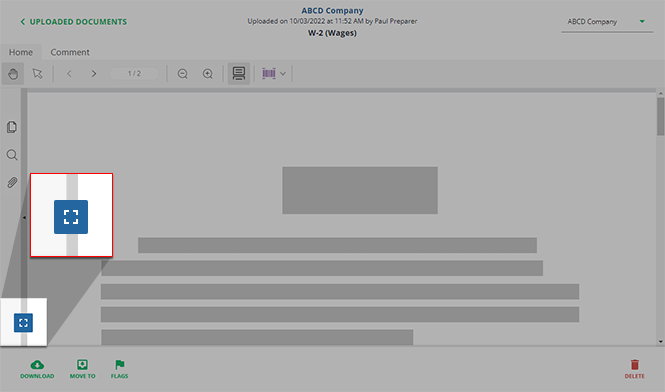
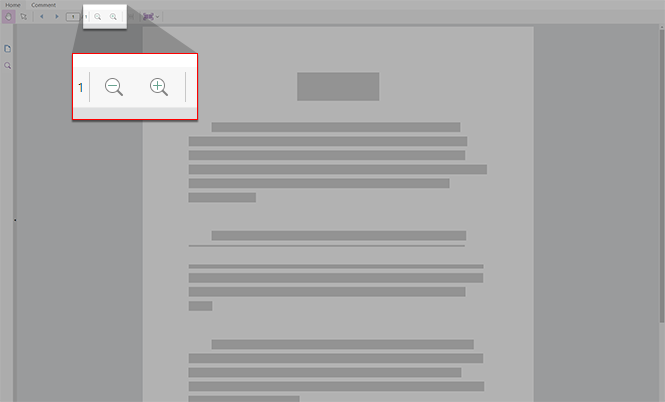
You can also use the zoom feature in Fullscreen mode to utilize the maximum screen space.
Close fullscreen mode
To close fullscreen mode, move the mouse to the top of the window and select the  icon when it appears on the screen. Alternatively, you can press
Exit fullscreen
icon when it appears on the screen. Alternatively, you can press ESC
or F11
on the keyboard.
Related Content
-
Document Viewer (PDF Viewer)
Format: Article

