
View thumbnails
The Document Viewer panel lets you view thumbnails.
To view thumbnails, select the
Thumbnail
icon.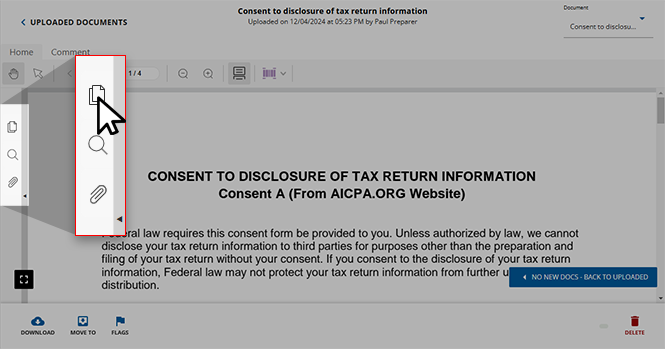
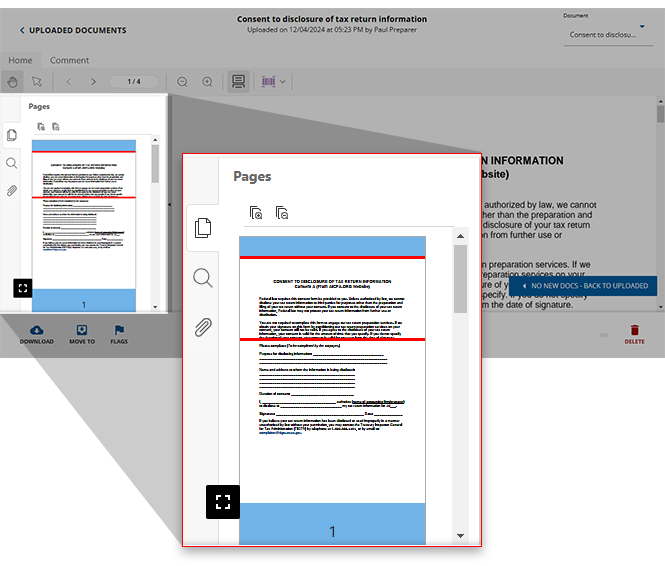
Select the
Thumbnail
icon to view thumbnails for each page of your document.You can select the thumbnail preview to jump to that page.
note
Select the
Thumbnail
icon again to expand or collapse the side panel.Related Content
-
Document Viewer (PDF Viewer)
Format: Article

