
Access the Account Admin
Only users with proper permissions can access the
Account Admin
settings. Contact your Firm System Administrator if you need to get assigned to a group with access to Account Admin
settings.Follow these steps to sign in to FileRoom Admin:
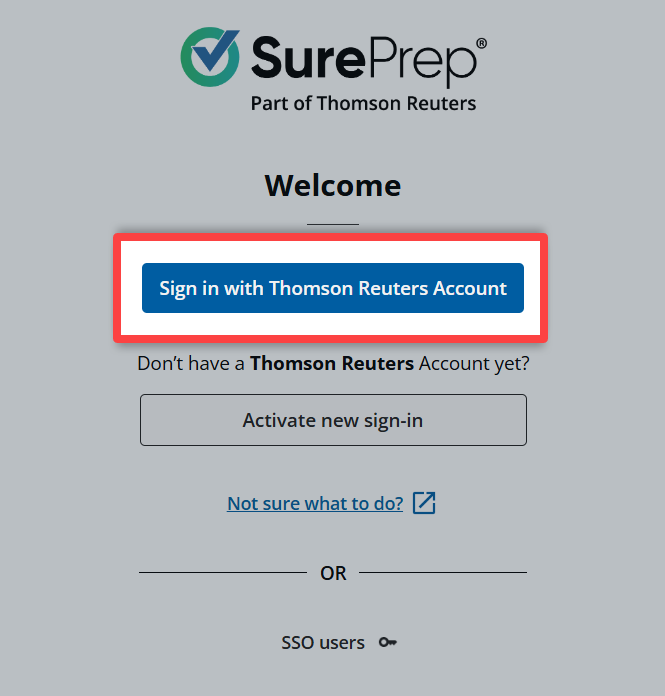
- Sign in to SurePrep FileRoom.
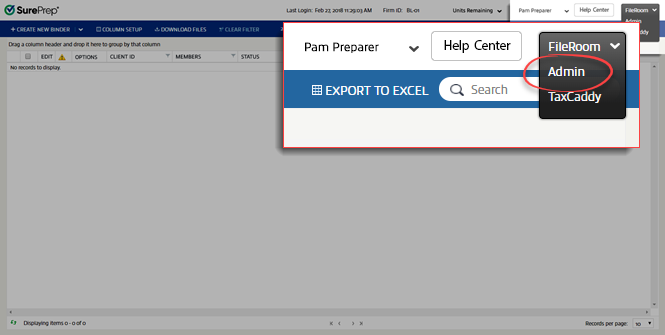
- From the dropdown, selectAdmin.
 noteOnly users with proper permissions can access theAccount Adminsettings. Contact yourFirm System Administratorto get assigned to a group with access to Account Admin settings.
 - You are now in theAdminsection.

Related Content
-
Create new user groups
Format: Article
-
Permissions explained
Format:
Article

