
Select and Zoom
The
Select and Zoom
group lets you scroll, select text, and zoom the document. The and tab.
Select and Zoom
group can be accessed from the Home
Comments

On the tab, the tab. You can scroll the document, select text, and zoom.
Comment
Select and Zoom
group provides you with the same features available on the Home
note
The
Comment
tab will only appear when viewing tax returns and tax payments in the Document Viewer panel.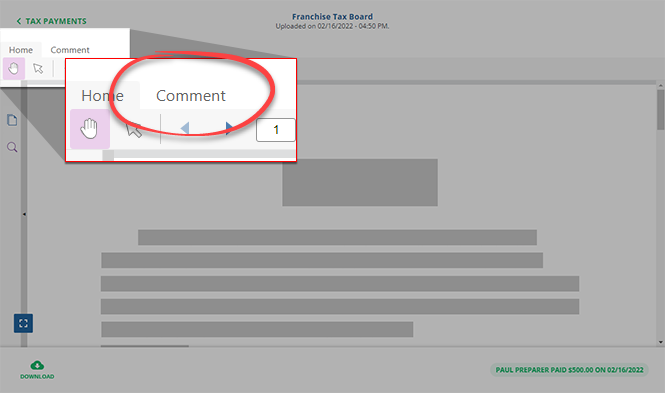
Select
The
Hand
icon scrolls the document. When the Hand tool is selected, click and hold to drag the document in the direction you need to scroll or pan.tip
You can also scroll the document using the scroll wheel on your mouse.

The
Select Text
icon selects the text. A scanned image without a native PDF text layer can't be selected.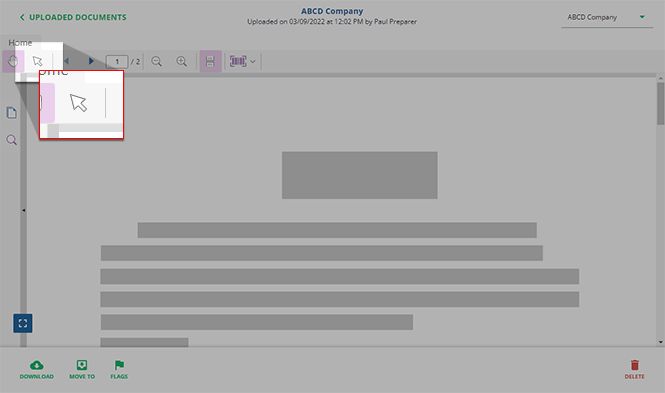
Zoom
Zoom lets you magnify in and out of the document. Changing the document view makes it easier to read and navigate the document.
The
Zoom In
icon magnifies the document to get a close-up view of your file.The
Zoom Out
icon shows more of the page at a reduced size.

