
Tax pro requests
Show all hidden content
TaxCaddy.com on PC, Mac, or tablet
Task List
panel lets you know when your tax professional needs something from you. Each item in the task list is an action item requested by your tax professional. When your tax professional needs you to review, sign, or upload a specific document, you will see the task appear in the list. You can select each task to open the relevant page that will help you complete that task.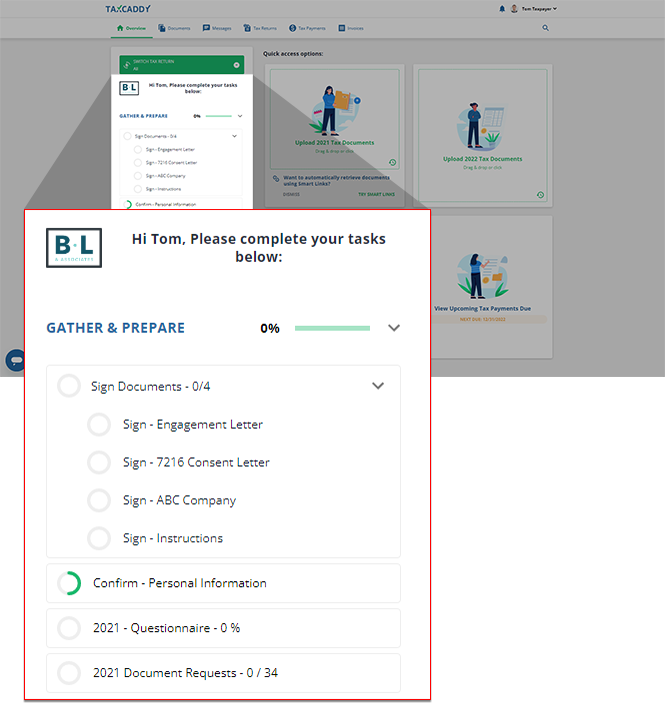
note
You can select a section title to collapse its content and create more space in your
Task List
to display the other section's listed items. iOS mobile app
Task List
panel lets you know when your tax professional needs something from you. Each item in the task list is an action item requested by your tax professional. When your tax professional needs you to review, sign, or upload a specific document, you will see the task appear in the list. You can select each task to open the relevant page that will help you complete that task.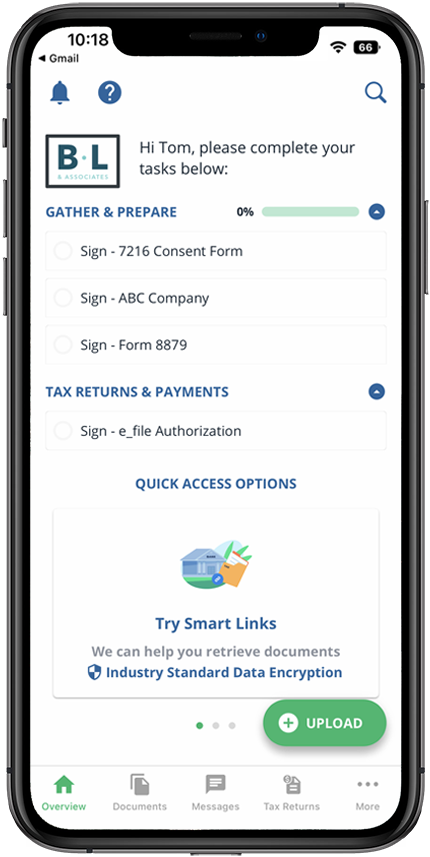
note
You can select a section title to collapse its content and create more space in your
Task List
to display the other section's listed items. Android mobile app
Task List
panel lets you know when your tax professional needs something from you. Each item in the task list is an action item requested by your tax professional. When your tax professional needs you to review, sign, or upload a specific document, you will see the task appear in the list. You can select each task to open the relevant page that will help you complete that task.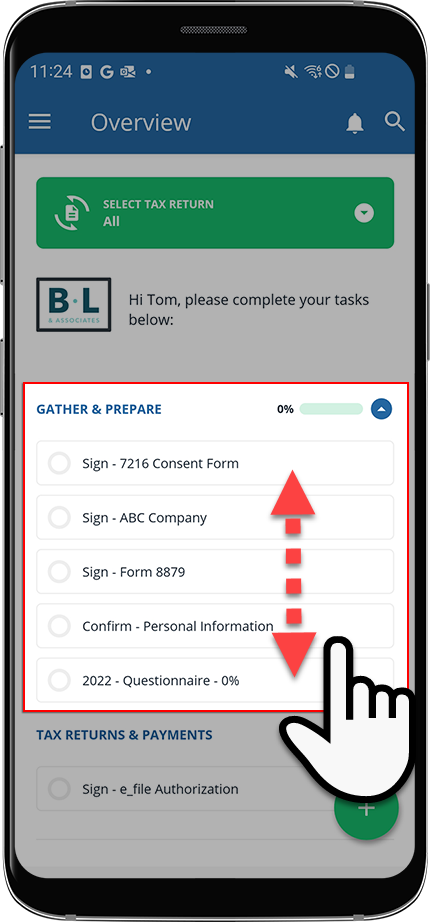
note
You can select a section title to collapse its content and create more space in your
Task List
to display the other section's listed items. Tax Pro Request
Tax Pro Request | Description |
|---|---|
 Questionnaire | Request to answers questions sent by your tax professional. |
 Review | Request to review a document sent by your tax professional. |
 Sign | Request to sign documents sent by your tax professional. |
 E-Sign | Request to E-sign documents sent by your tax professional. |
 Upload | Request to upload a document sent by your tax professional. |
 Tax Returns | Shows tax returns prepared by your tax professional. You can view, delete, and download a tax return. |
 Tax Payments | Shows tax payment vouchers prepared by your tax professional. You can view, delete, download tax payment vouchers. Once paid you can mark the tax payment voucher as paid. Additionally, your tax professional may provide you with an option to pay by check if necessary. |
 Invoice | Lets you pay invoices sent by your tax professional. |
 Messages | Read any unread messages sent by your tax professional. |

