

Triva isn't available right now.
Check out the support page for our phone number and hours

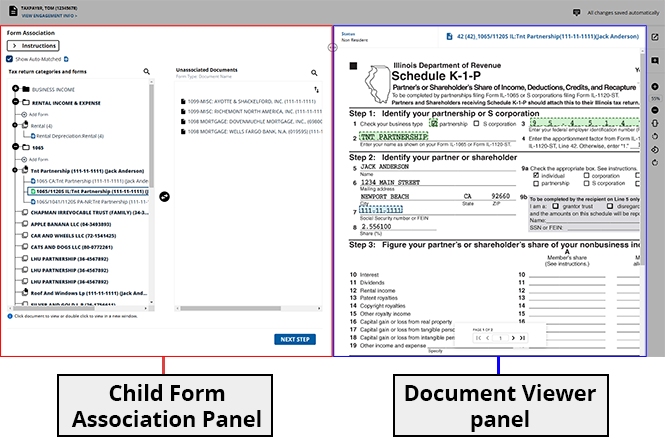

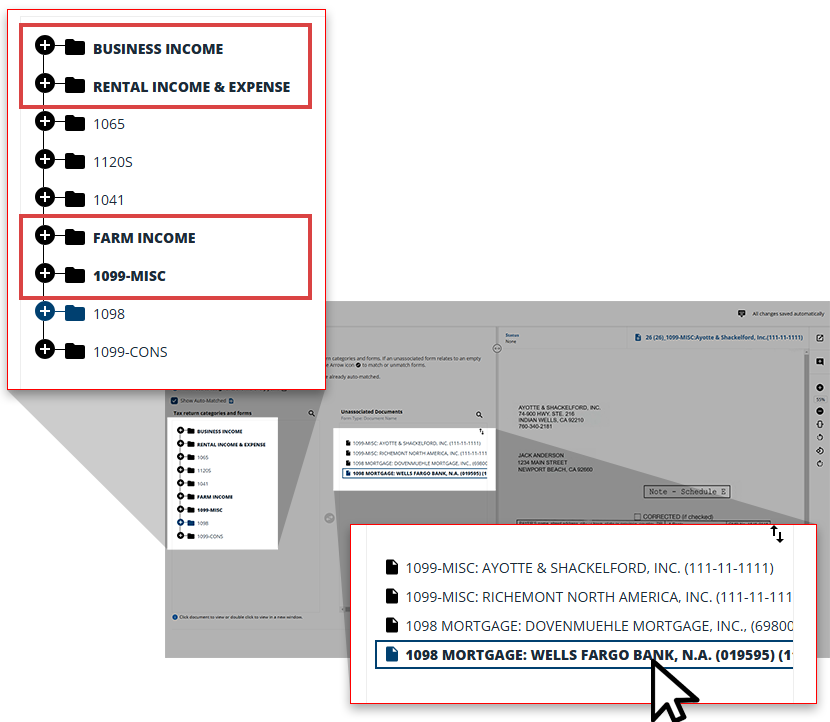
 icon to search for a specific form if you can't find it listed.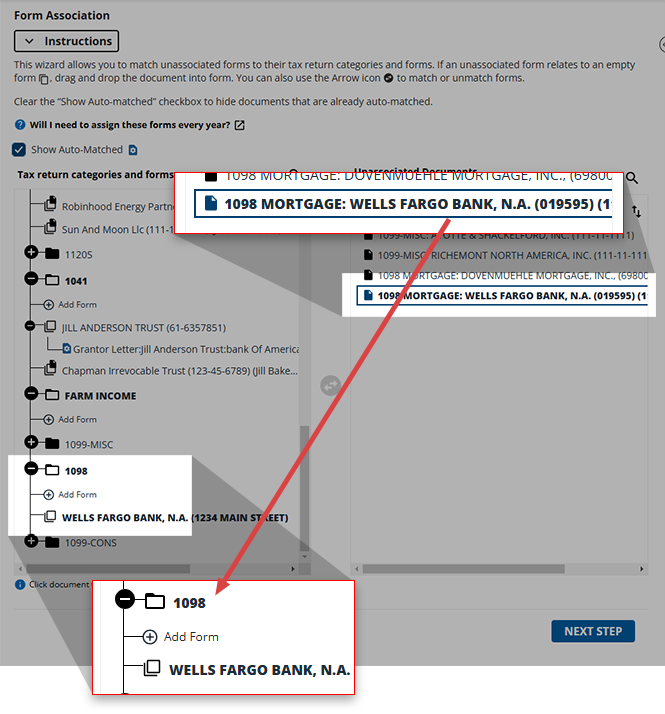
 icon in the middle to move the child form to its parent.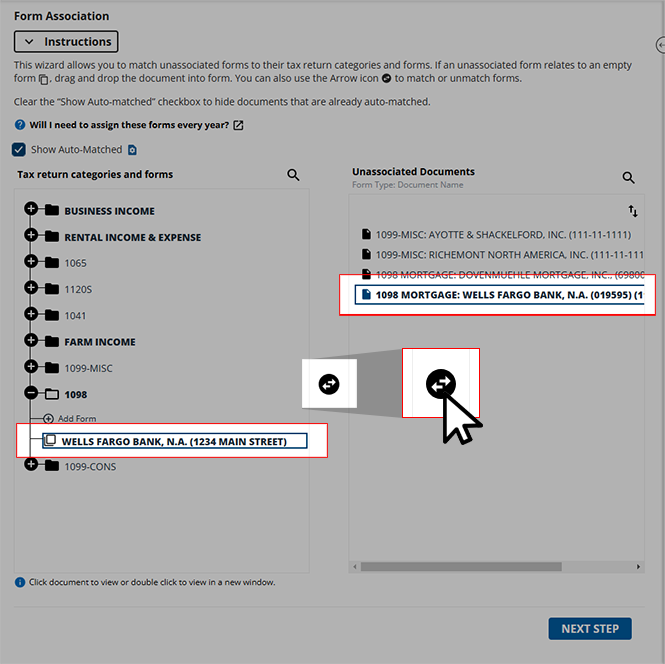
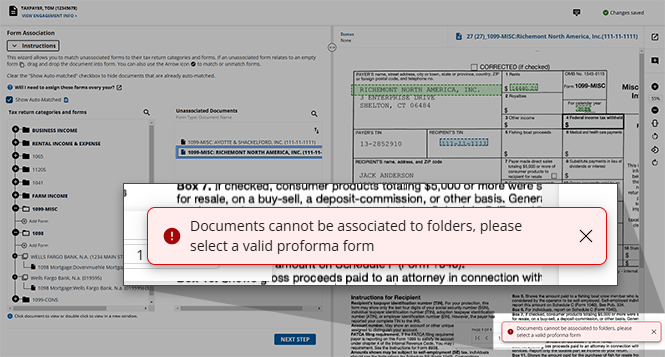
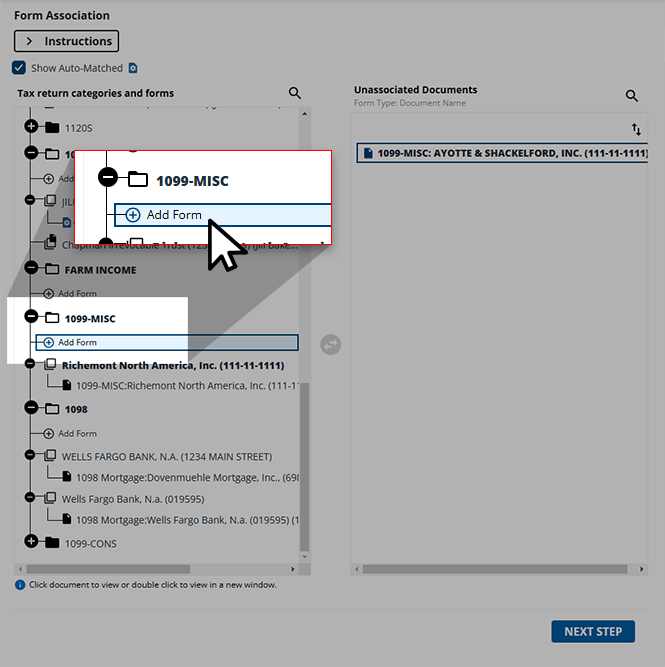

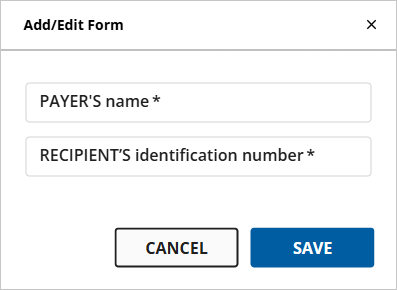
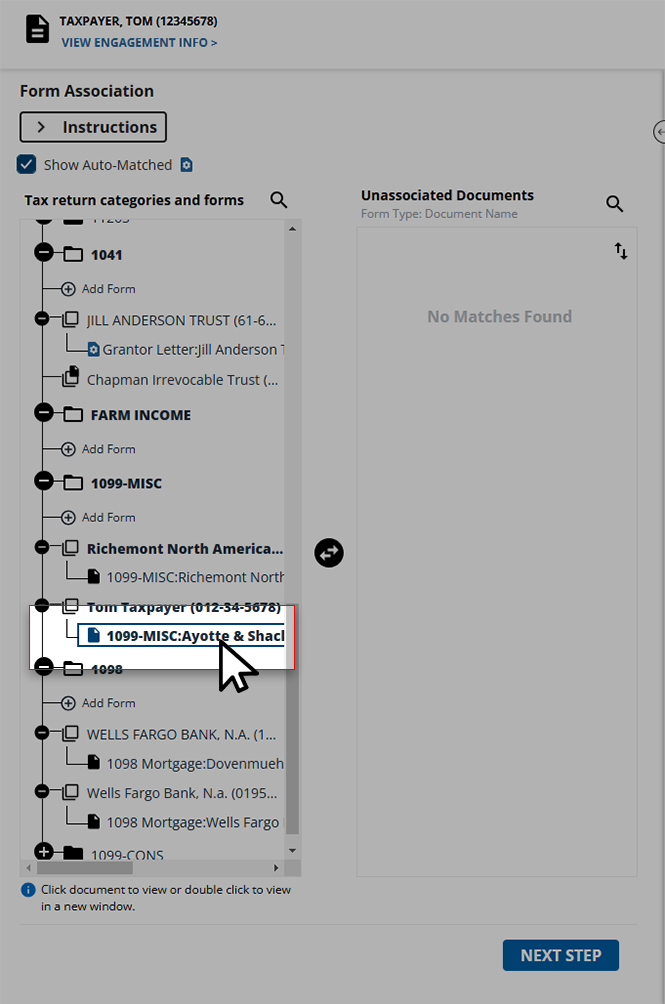 icon to transfer the page to the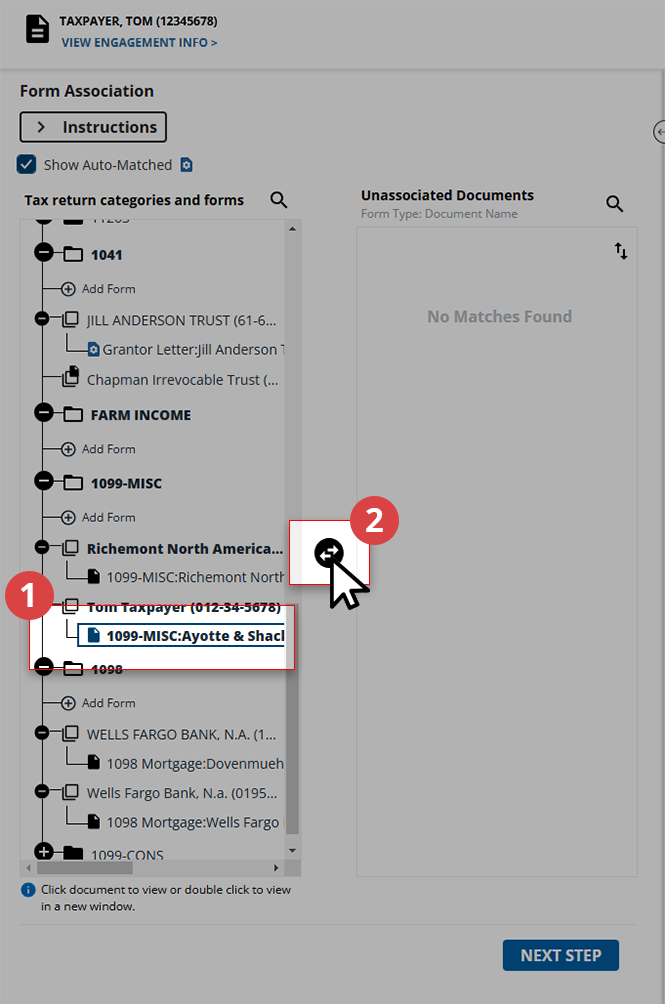
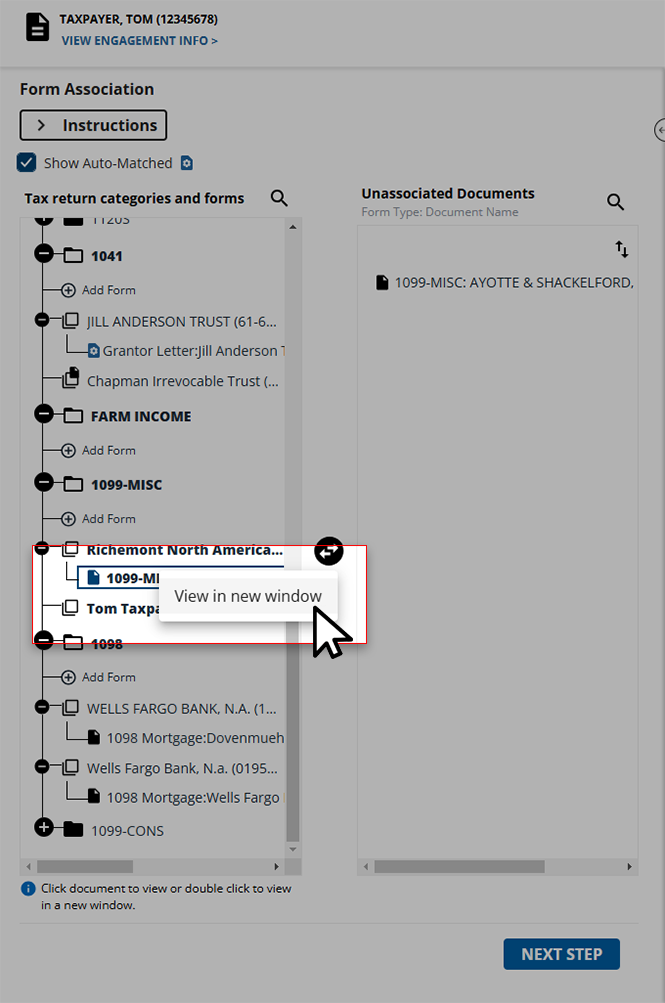
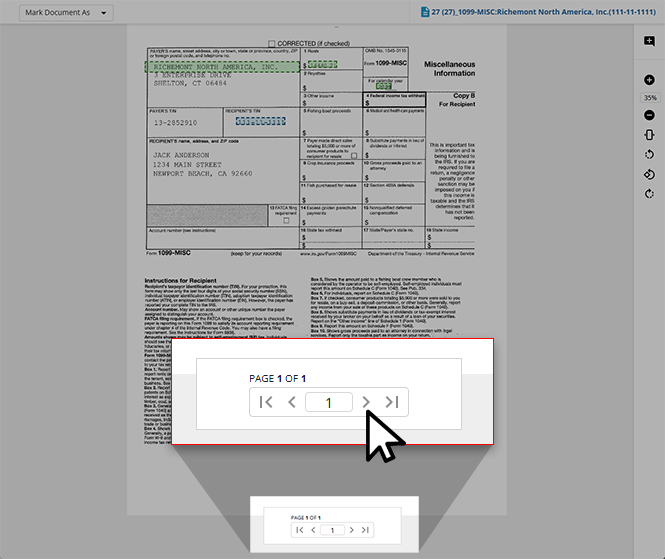
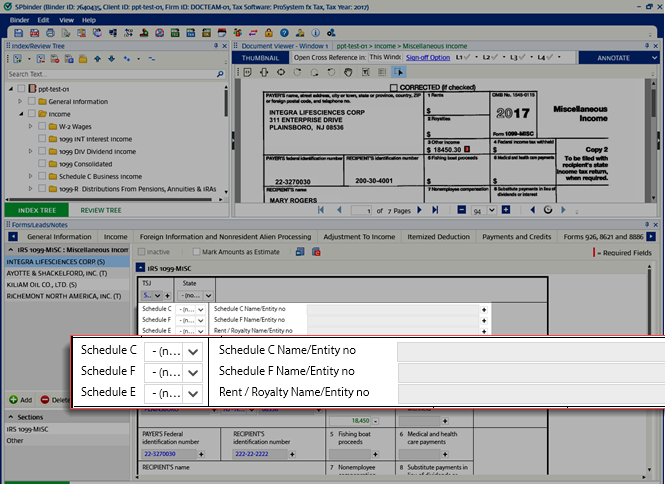
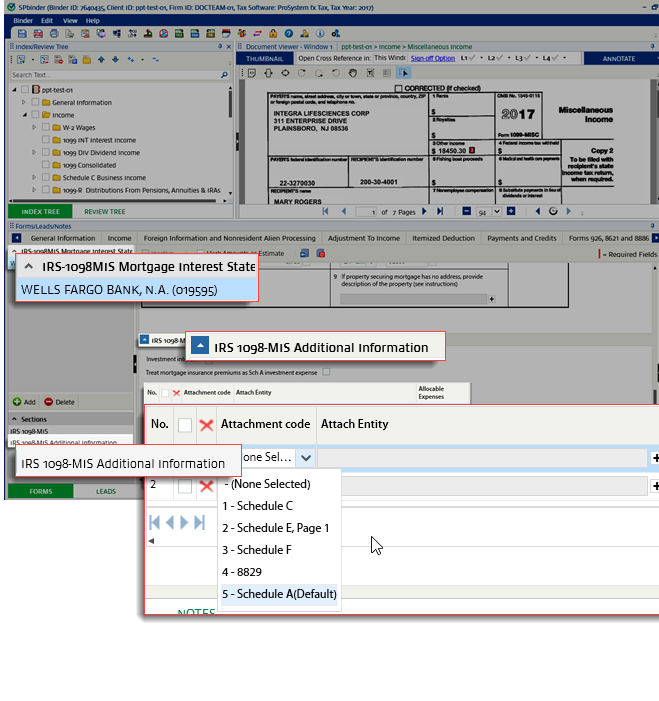
 icon.
icon. Form type | Auto-associated based on |
|---|---|
Grantor Letter | Auto-associated based on primary and secondary identifiers - depending on the proforma data. Either in Schedule K-1 1041 or in the Consolidated 1099 category. Example: If the EIN present on the Grantor Letter matches with the EIN of Parent Form Schedule K-1 1041, then it should get auto-associated. |
Schedule K-1 PTP | Auto-associated on the basis of primary and secondary identifiers, and PTP Check Mark. If the PTP K-1 is proforma'd then it will get associated with it, or else it creates a new entity. In this respect, the system will determine PTP K-1 based on PTP Check Mark (if checked) and will be auto-associated if the proforma'd information is available. The association of PTP K-1 is based on EIN and PTP Check Mark (if checked) as per the proforma'd information. If the proforma'd information is not available then it creates a new entity in the Schedule PTP K-1 category under the Tax return categories and forms section and associates all the related pages in it. |
 Article
Article
Article