A quick tour (begin here)

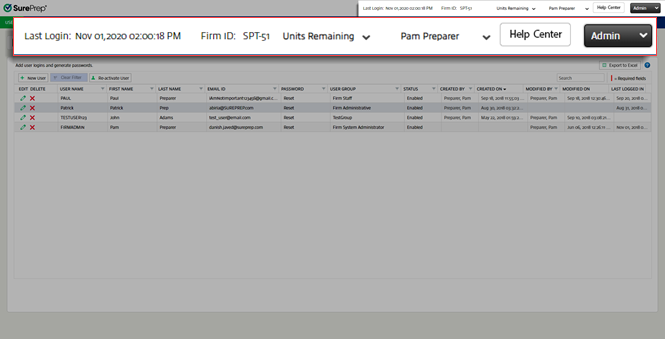
Access the
Admin
section using the dropdown menu. Your
Last Login
Firm ID
,
Units Remaining
, and name appear at the top of the page. Select the
Help Center
 to access help.
Diagram of the FileRoom header
Use the tabs to search within the
Admin
section. Each section has sub-navigation tabs that appear under the main tab.
Navigate between the tabs
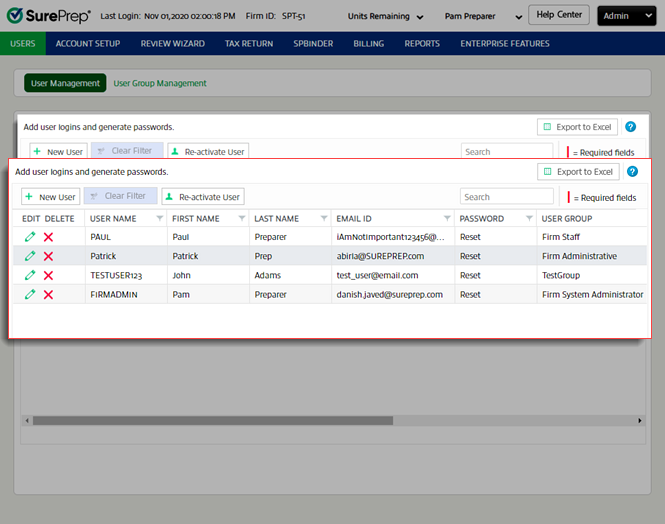
Information and Settings related to the section you're viewing appear on the page. 
Records listed for the User Management screen
Page view and navigation options appear at the bottom of the page. 
Navigate the page numbers

Related Content

error-icon

Triva isn't available right now.

Check out the support page for our phone number and hours

error-close