
Managing contacts
Contact usage
It is possible to find out all the places where a Contact is being used by clicking the appropriate
View Usage
link in the Contacts list.
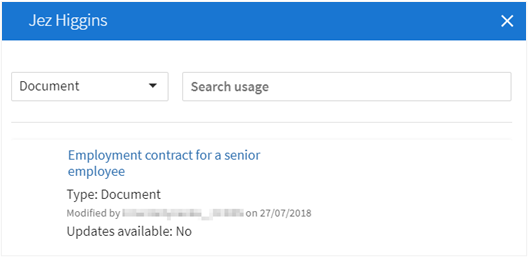
This will display a modal which will list all of the places that the contact is being used. A contact may be used in:
- A matter
- A document
- A contact - if the contact exists in your list as a result of importing it as an appointment when using Companies House search (see Searching Companies House data)..
Editing contacts in the contacts list
To edit a contact from the Contacts list:
- Navigate to theContactspage in Contract Express and select the appropriate contact name.
- Update the contact as required and clickSave and Close.
The Contact entry will be updated.
Editing contacts from a document
To edit a Contact from a Document:
- Open a Document that contains contacts and either modify a Contact inline or clickChangeto replace it with an alternative.noteIf the checkboxSave to Contactsis selected, any changes made to the Contact within the document will overwrite the entry in your main list of Contacts.
- Continue editing the document if required and clickSave and Continuewhen finished to save the document and all its contacts.