
Roll forward journal entries
You'll need a user account that has been granted permission to
Roll Forward Journal Entries
. Before you roll forward an engagement, you may want to check which journal entries are set to roll forward.
- In Engagement Manager, open the Engagement from which you want to roll forward a journal entry.
- Select theJournal Entriestab.
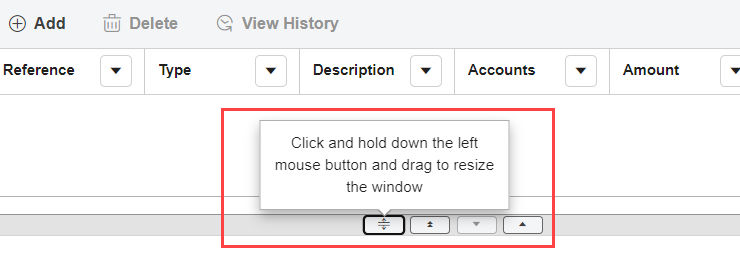
- Select a journal entry.tipIf the Journal Entry fields are not shown after you select a journal entry , use the window controls to change the view.ExampleJournal Entries tab
- Choose one of the following options from theRoll Forwarddropdown menu:
- Include
- Reverse
- Zero balances
noteThe default setting isExclude. - SelectSave.
Related Content
-
Add a journal entry
Format: Article
-
Roll forward options for journal entries
Format:
Article,
1 min read

