
XML File Validation
The
XML File Validation
screen is used to upload and verify files against XML Schemas Definition (XSD). This dock can be used to check for issues with a file that might arise during the import process. Examples include (but are not limited to):- The value in a field may exceed the maximum length (e.g. a 10-character value in an 8-character field).
- The value in a field may be the wrong data type (e.g. an alphanumeric character in a numeric-only field).
- Invalid child elements within the XML.
This dock can be used to import a file at your convenience rather than at a prescheduled time.

Validating a File
To validate an XML file.
- Click on the Upload XML FileChoose Filebutton to select an XML file from your local drive to validate.

- Click on Upload XML Schema (XSD) FileChoose Filebutton to select the relevant XSD file to validate against. As files are loaded in the file names will show on the screen.

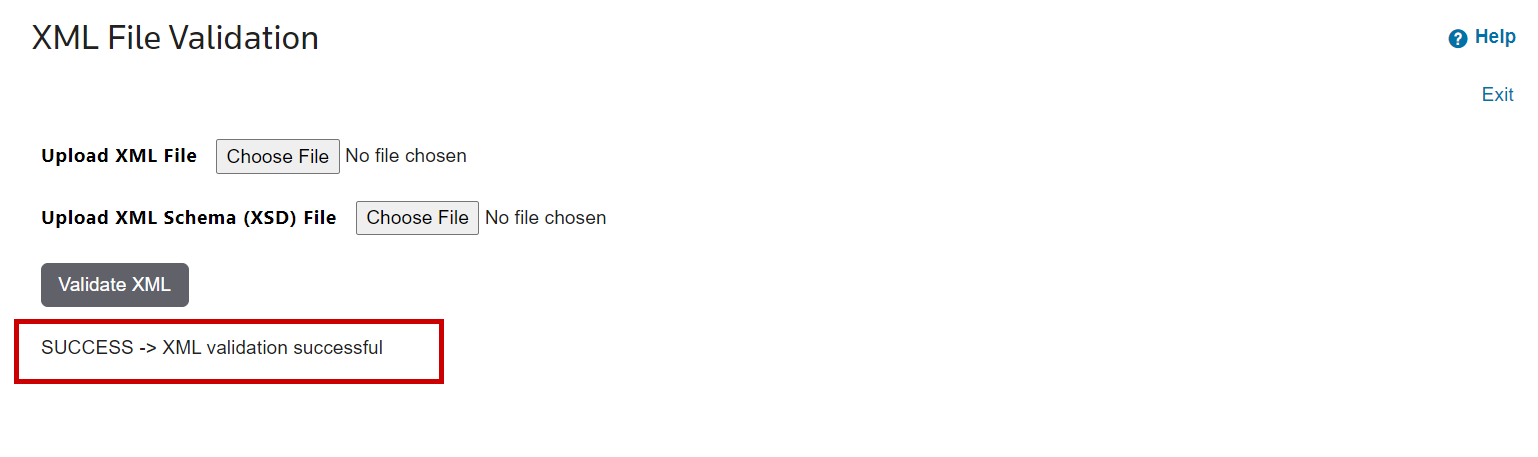
- ClickValidate XMLonce both files are loaded in to activate the validation process. Results will show on screen following completion of the validation.
If errors are identified, a message will be displayed.

If there are no errors, a successful message will be displayed.
Related Content
-
File Load Manager
Format: Article