
Email Template Management
To open and review existing e-mail templates (or to create a new e-mail template), click
Email Template Management
.
Creating a New Email Template
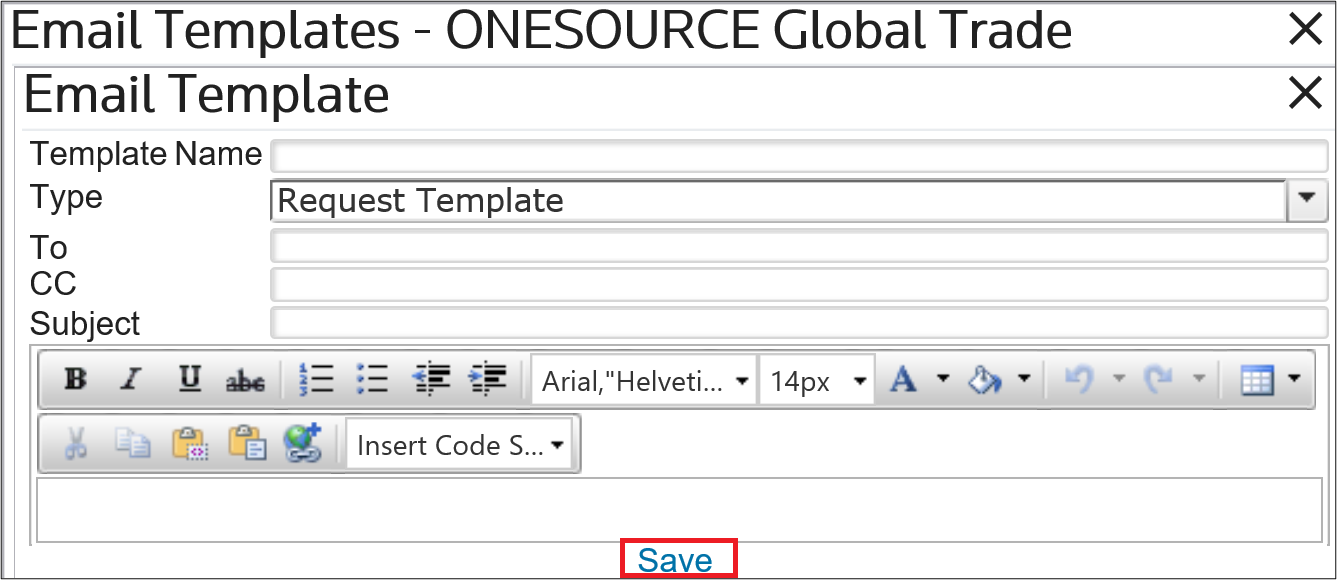
To create a new e-mail template, click
Add Email Template
.
Enter a name for the template, as well as an e-mail body and any other necessary information. Click
Save
.
Editing an Existing E-mail Template
To modify an existing e-mail template, click
Edit
.
Make any necessary changes and then click
Save
.
Deleting an E-mail Template
To modify an existing e-mail template, click
Delete
.
Clicking
Delete
will open the Confirm Deletion
pop-up. Click OK
. The template will then be removed from the grid.
Related Content
-
Request Management
Format: Article