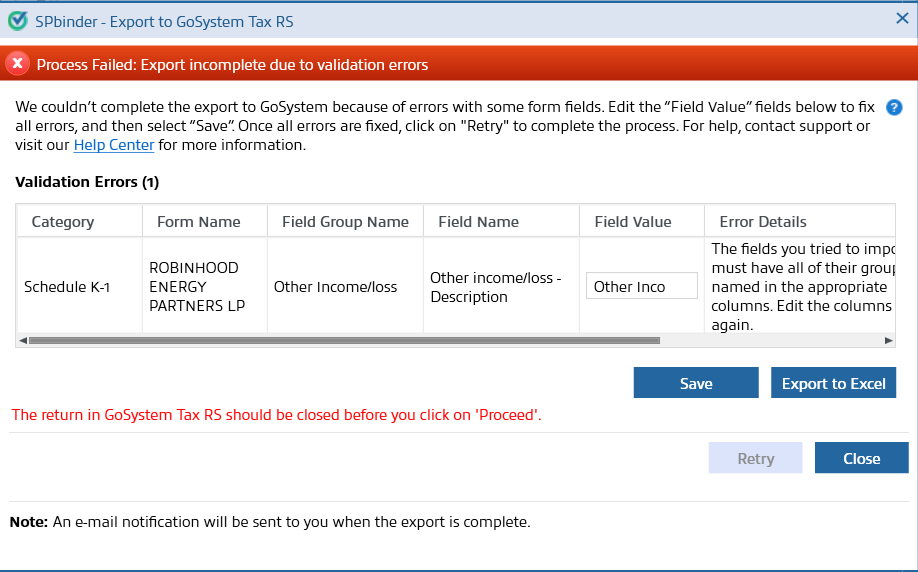
Troubleshooting: Error Code 1217 for GetStatus API call
When using the
GetStatus
API call to retrieve the status of a GoSystem Tax RS binder, users may encounter the 1217
error code indicating that the export was incomplete due to a field validation error. To successfully export the binder information to GoSystem Tax RS, some fields require specific formatting. For example, a field may only accept alphanumeric characters (A-Z and 0-9). When a field such as this contains non-alphanumeric characters (i.e. !, @, #, $, or %), this could result in an export failure. When this happens, open the binder and refer to the
Error Details
column for further guidance on resolving the error. Follow these instructions to update the necessary binder records.Step1: Open the binder
Users have two options to open the binder to begin resolving the error:
- Use the API call to open the impacted binder.
- Sign in to FileRoom and open the impacted binder.
Step 2: Troubleshoot the 1217 error code
Once the user has opened the impacted binder, the user can begin making updates to the necessary fields. Depending on the Leadsheet type, make the necessary corrections.
Classic Leadsheet binders:
- SelectExport to Excelto download the Excel file with all the field values that are in error.
- Go to SPbinderINPUT FORMSand correct the field values.
- After all the field values are corrected, try exporting again
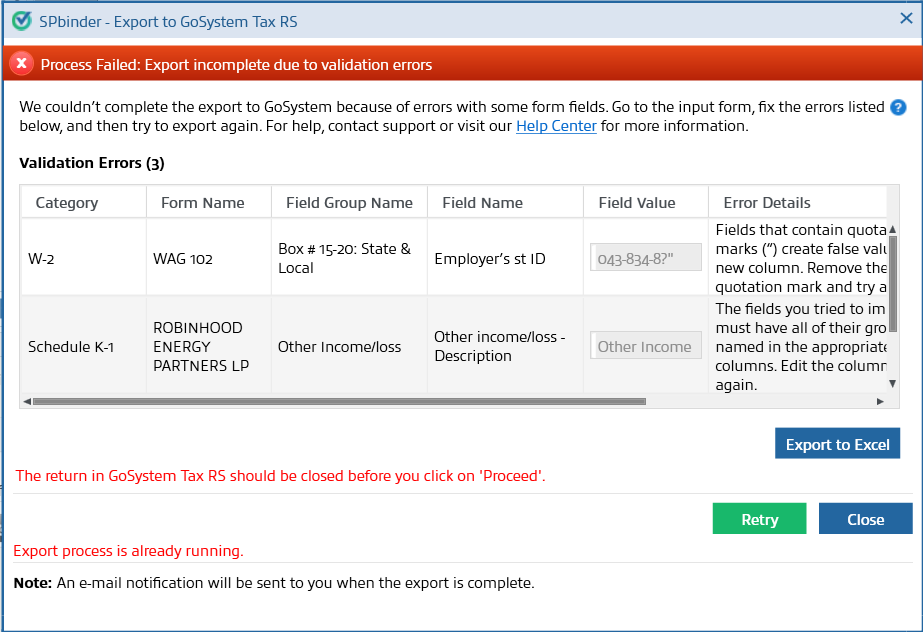
Simplified and Without (None) Leadsheet binders:
- Go to theError Detailscolumn to learn more about the validation error.
- Fix all the errors in theField Valuecolumn and then selectSaveto save your changes.
- Once all the errors are fixed, selectRetryto complete the export.