
Export custom statuses to Excel
Follow these steps to export a list of custom statuses to XLS (Excel) format.
- SelectFileRoom, thenAdmin.
- SelectAccount Setup, thenOffice Location.

- To filter specific data for export, use the filter on individual columns.

- SelectExport to Excel.

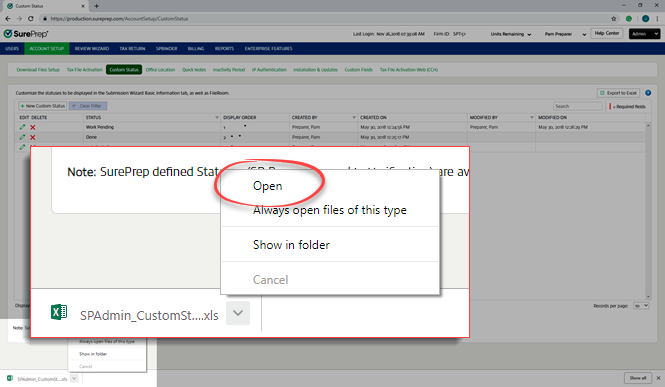
- When the file download window appears, either open the file or save it.noteFile download window may vary based on the browser and operating system version.
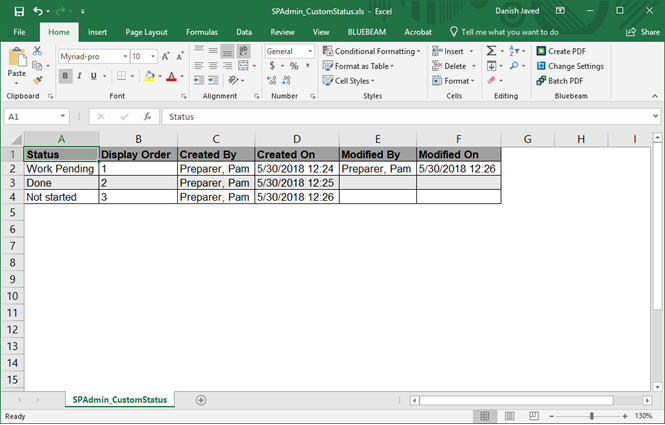
- Custom status data appears in columns in the Excel file.
Related Content
-
Configure a custom status
Format: Article
-
Edit a custom status
Format:
Article

