
Skip review steps
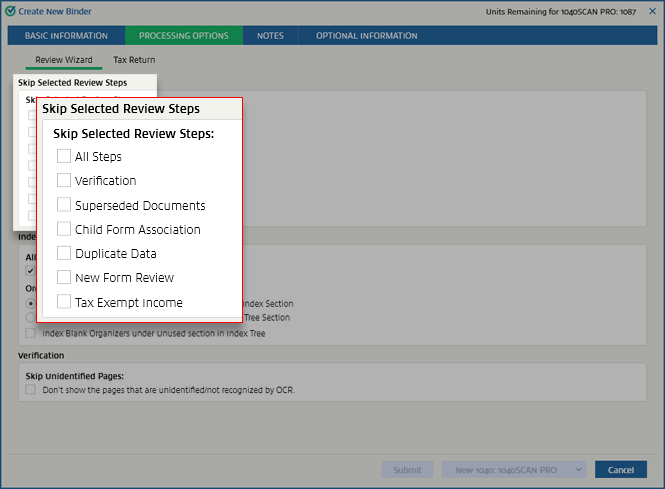
When creating a binder, you can skip particular review steps.
Follow these steps to skip the selected review steps:
- Initiate creating a new binder.
- On theCreate New Binderwindow, select thePROCESSING OPTIONStab.

- On thePROCESSING OPTIONStab, locate theSkip Selected Review Stepssection. Select the checkbox next to the review step that you want to skip.noteIf you skipVerification, theVerificationandSticky Note Font Sizesections in the Review Wizard options will be hidden.
By default, the settings here will match those chosen in . You can change it for this particular return here. These settings will override the settings made in
Admin
.Related Content
-
Processing options
Format: Article

