
Skip verification of unidentified pages
When creating a new binder,
Skip Unidentified Pages
option lets you hide pages that aren't identified or recognized by OCR.Follow these steps to skip verification of unidentified pages:
- Initiate creating a new binder.
- On theCreate New Binderwindow, select theProcessing Optionstab.

- On theProcessing Optionstab, scroll down to theVerificationsection.
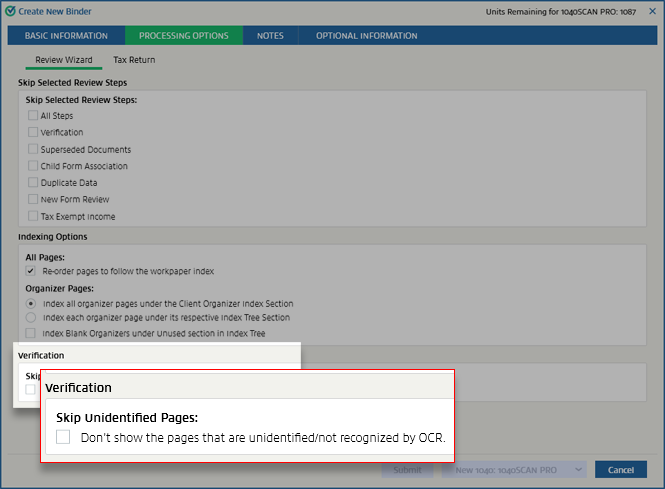
- If you want to skip verification of unidentified pages, select theDon't show the pages that are unidentified/not recognized by OCRcheckbox.
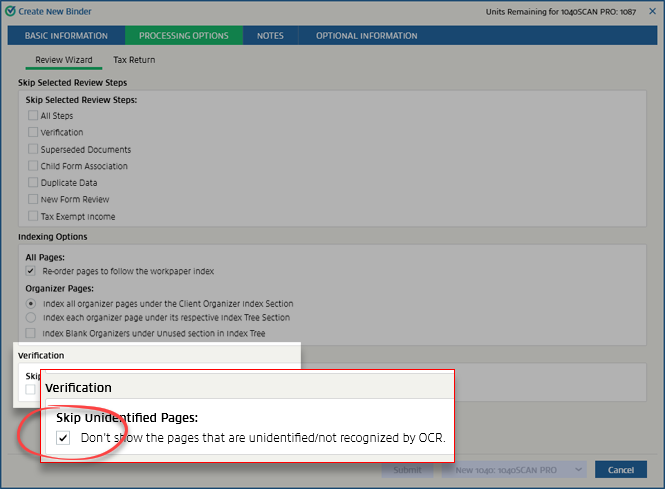
By default, these settings will match those chosen in . You can make changes here for this particular return. These settings will override the ones made in
Admin
.Related Content
-
Processing options
Format: Article

