
Deleting IP addresses
Follow these steps to delete an IP address from IP Authentication.
- Go to .

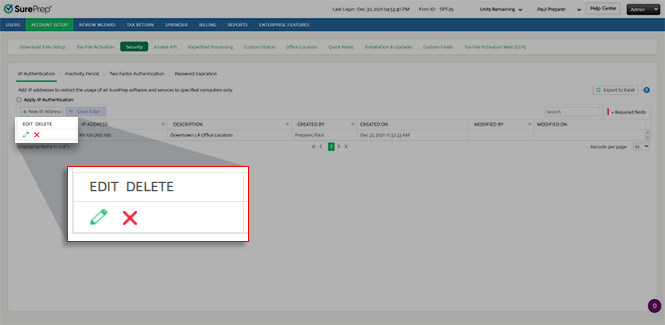
- To delete an IP address, select theDeleteicon
 .
.
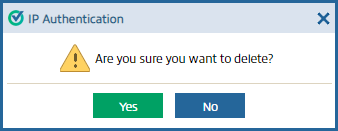
- When theIP Authenticationwindow appears, selectYes, to delete the entry.
Related Content
-
IP Authentication Overview
Format: Article,
2 min read
Article,
2 min read

