
Download SPbinder as a PDF
Before you can download a SPbinder PDF, you'll need to first print the binder PDF to SurePrep servers.
Follow these steps to download a printed SPbinder PDF:
- Go to the binder.
- In theOPTIONScolumn, select thePicklisticon
 for the binder.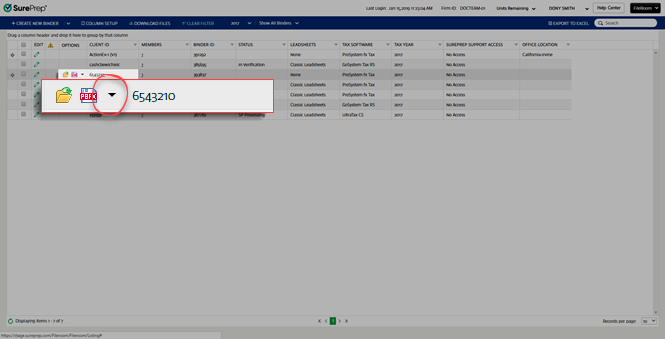
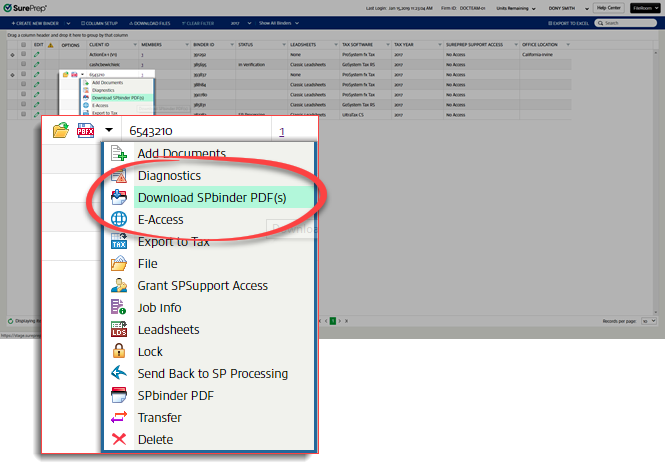
- Select Download SPbinder PDF(s)from the dropdown menu.noteIf you select thePrint on my PCoption while printing SPbinder PDF, this option isn't available.
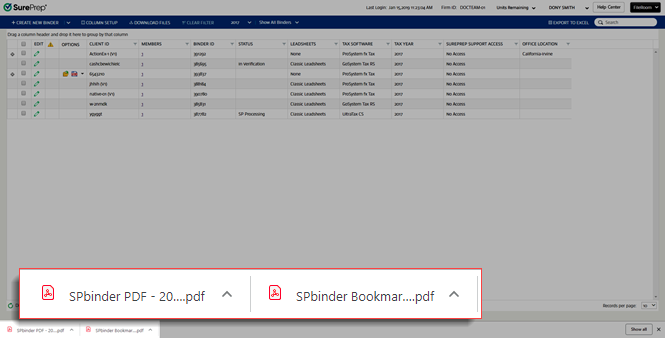
- The PDF will appear in your download folder.noteThe file download process may vary based on your browser.
 noteFirms can customize file names for printed binders (that is, DreamWorkpapers, SPbinder PDF).
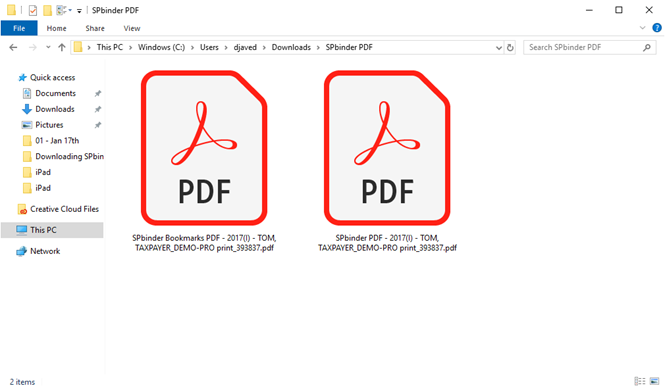
 - You can then open the downloaded PDF file from the saved location.noteIf you printed SPbinder PDF with and without bookmarks, then both files will download and save in the selected path (the download folder selected by your browser).
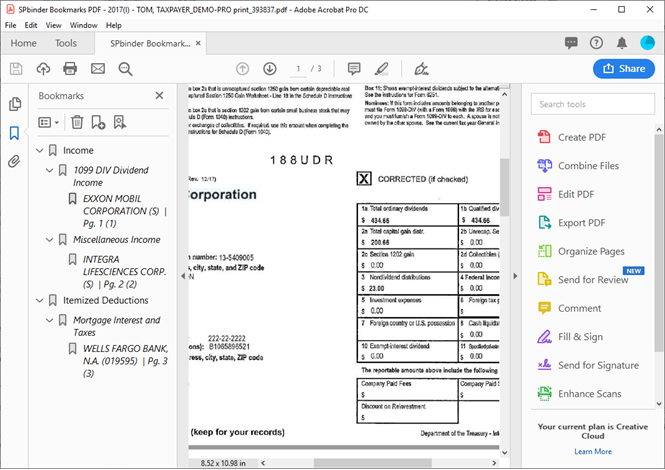 PDF printed with markup will appear with annotations.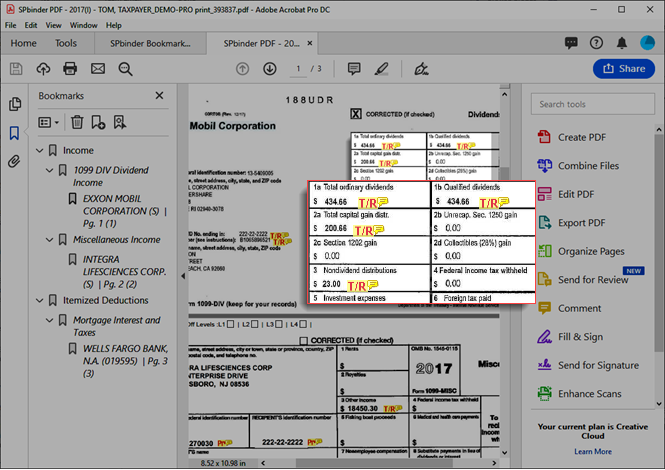
Related Content
-
Print a without leads binder (SPbinder PDF)
Format: Article,
6 min read
Article,
6 min read

