
Mark a message as unread
Follow these steps to mark the most recent message as unread:
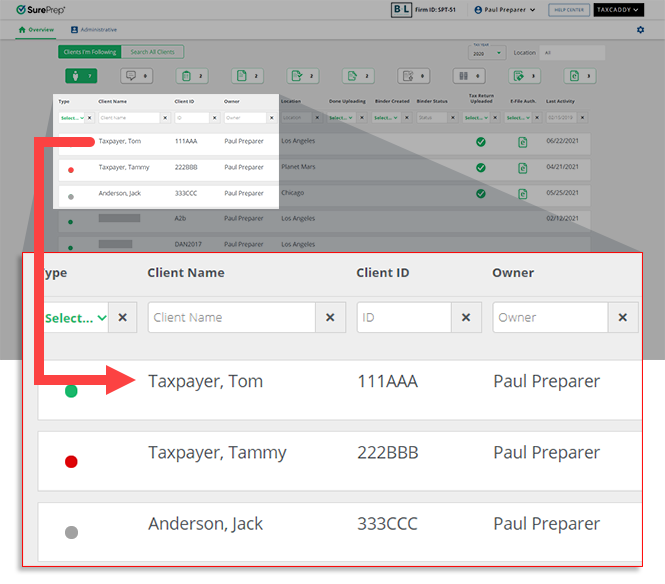
- Sign in to TaxCaddy and go to the client's profile by selecting a client tile on theOverviewscreen.
- SelectMessages.

- To mark a message as unread, selectUNREAD. The message thread will display the unread message indicator.
 TheLast readdivider indicates old and new unread messages.
- Subsequently, theUnread Messagesview on thescreen will increase by 1 message.Overview

Related Content
-
Message your clients
Format: Article,
4 min read
Article,
4 min read
-
Message your clients
Format:
Article,
4 min read

