
Message via the Tax Return message panel
Message threads can be associated with a client's tax return by sending a message from the Tax Return screen on the client's profile. Each version of the return is a separate document with its own associated message thread. Follow these steps to send a message about a client's tax return.
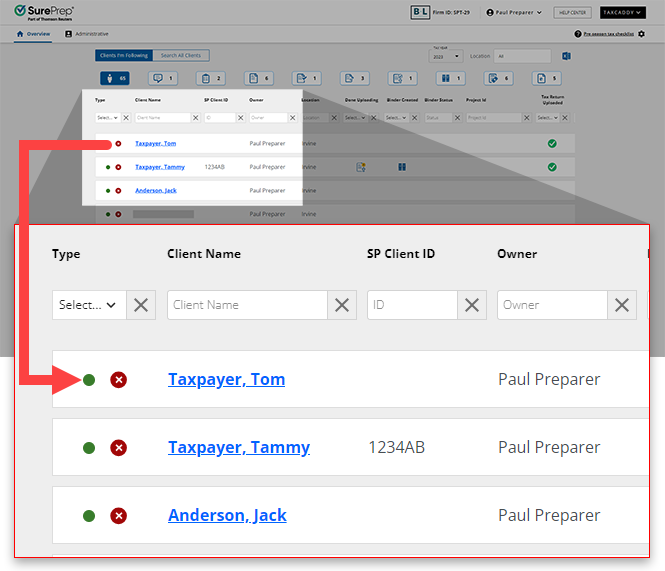
- Sign in to TaxCaddy. Select the client's tile to view the client's profile.
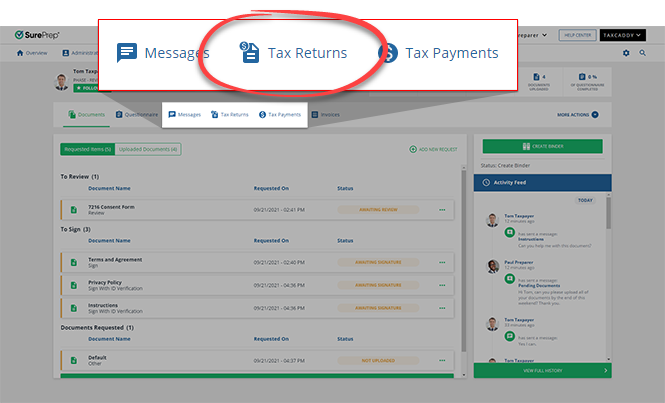
- SelectTax Returns, then the tax return's document tile.
- In theMessagespanel, enter your message into the field, then selectSEND. The number next to theSENDbutton indicates how many characters you have remaining. The client is notified that they have a new message from you. The thread is associated with the document and any additional messages will appear in both the document view message panel and client profile Messages.

Related Content
-
Message your clients
Format: Article,
4 min read
Article,
4 min read
-
Message your clients
Format:
Article,
4 min read
-
File a message thread to tax documents
Format:
Article,
2 min read

