
Remove Smart Links (document retrieval accounts)
Smart Links with document retrieval accounts create a link between TaxCaddy and your client's financial institution, allowing TaxCaddy to retrieve documents (for example, W-2, 1098, 1099) directly from your client's financial institution the moment they're added (and once every 24hrs after that) to save you and your clients from uploading your documents yourself.
note
Refer to our Smart Links Security page for information on the privacy and safety of your documents.
Follow these steps to remove a Smart Link to a document retrieval account:
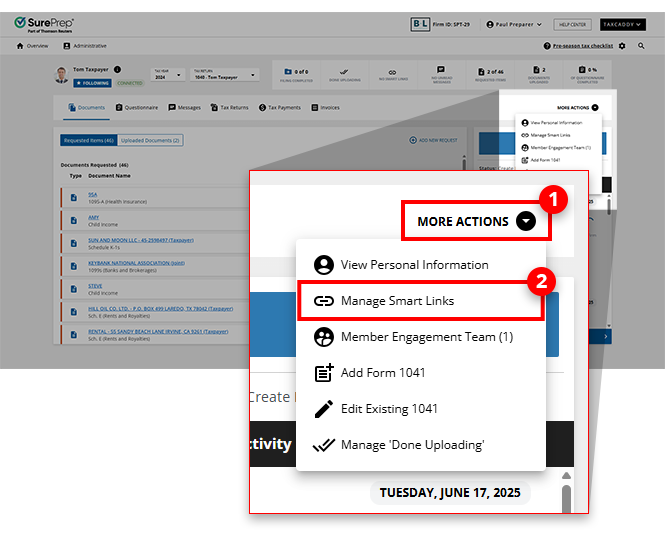
- On thescreen, select a client tile to view the client profile. You can also search for a client, then select the client tile from the result.Overview
- SelectMORE ACTIONSon the navigation bar thenManage Smart Links.
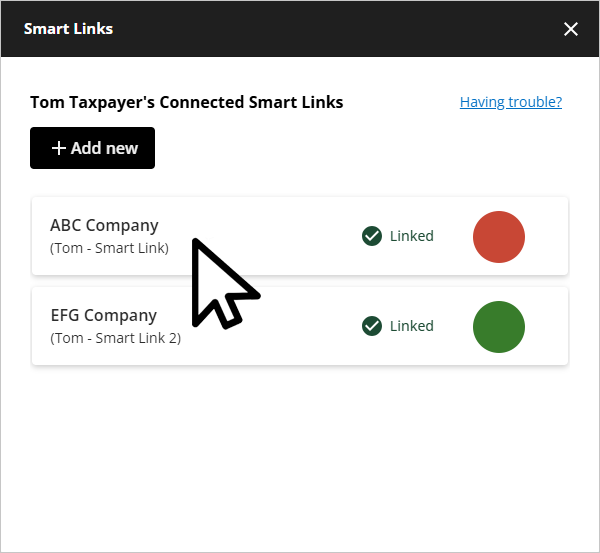
- On thewindow, select the Smart Link you want to remove.Smart Links
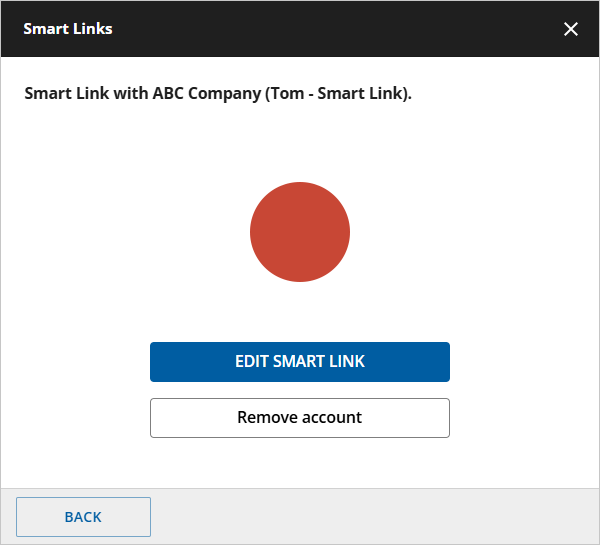
- SelectRemove this Accounton the Smart Link you've selected.
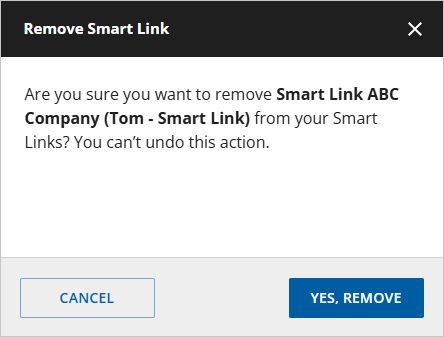
- On the confirmation screen, selectYES, REMOVE.
- Thescreen will no longer show the removed Smart Link.Smart Links
note
After the Smart Link has been removed, you would need to link the account again in order for TaxCaddy to import any new tax documents.
Related Content
-
Automatically retrieving documents from financial institutions (add Smart Links)
Format: Article
-
Add Smart Links (document retrieval accounts)
Format:
Article
-
Fix or update Smart Links (document retrieval accounts)
Format:
Article

