
Messaging your client about their invoice
When viewing an invoice, you can discuss the invoice with your clients by sending them a message from the message panel.
Follow these steps to discuss an invoice with your client:
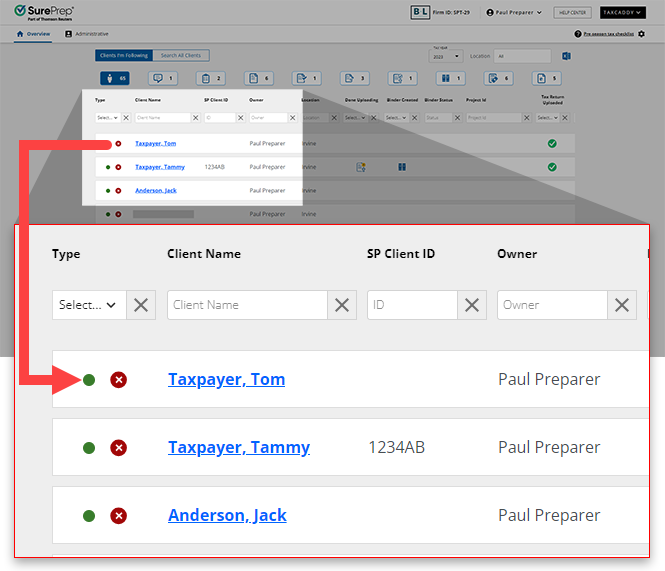
- On theOverviewscreen, select a client tile to view the client profile. You can also search for a client then select the client tile from the search result.
- Select theInvoicestab.

- Select the tax year.

- Select an invoice to view the PDF file.

- On theMessagespanel, enter your message into the field, then selectSEND. Your client's reply will appear on this panel.
 This invoice thread can be accessed underMessagesthrough the navigation bar on top.noteYou can select the Invoice PDF to open it in theDocument Viewer.
Related Content
-
Adding an invoice
Format: Article,
6 min read
Article,
6 min read

