
Stripe: Change account
Follow these steps to change your current Stripe account with another account:
- Sign in to TaxCaddy.
- SelectAdministrative, thenADMIN SETTINGS.

- Select theStripetab.

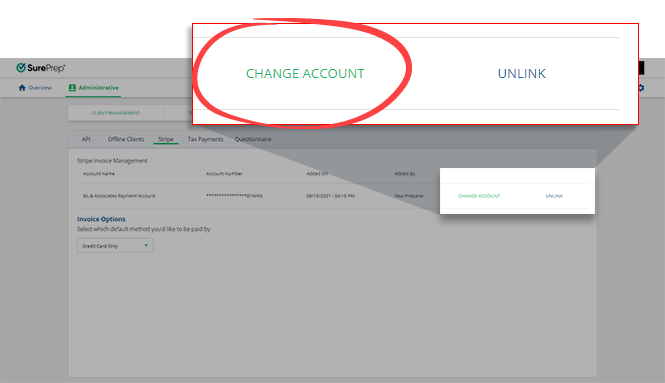
- On your Stripe account, selectCHANGE ACCOUNT. You will only see this option if you already have a Stripe account linked to your account. If you don't see a Stripe account listed on the page, then you can link a new Stripe account instead.
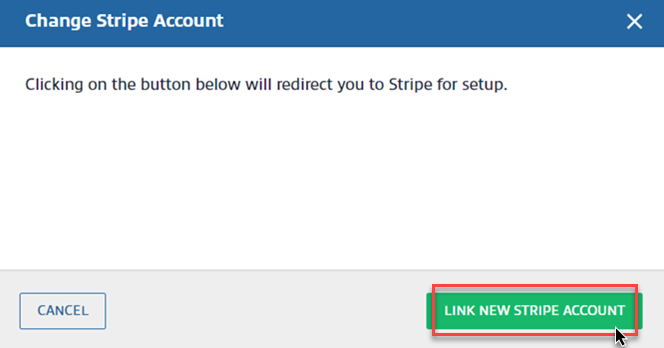
- SelectLINK NEW STRIPE ACCOUNTto connect with a different Stripe account when theChange Stripe Accountwindow appears.
Related Content
-
Stripe
Format: Article,
9 min read
Article,
9 min read

