
Clearing a State Tax Summary
Follow these steps to clear a State Tax Summary.
- Log in to TaxCaddy.
- On theOverviewscreen, select a client tile to view the client profile.

- SelectTax Returns.

- SelectEDITin theTax Summarypanel.

- SelectCLEARnext to the state you want to clear.
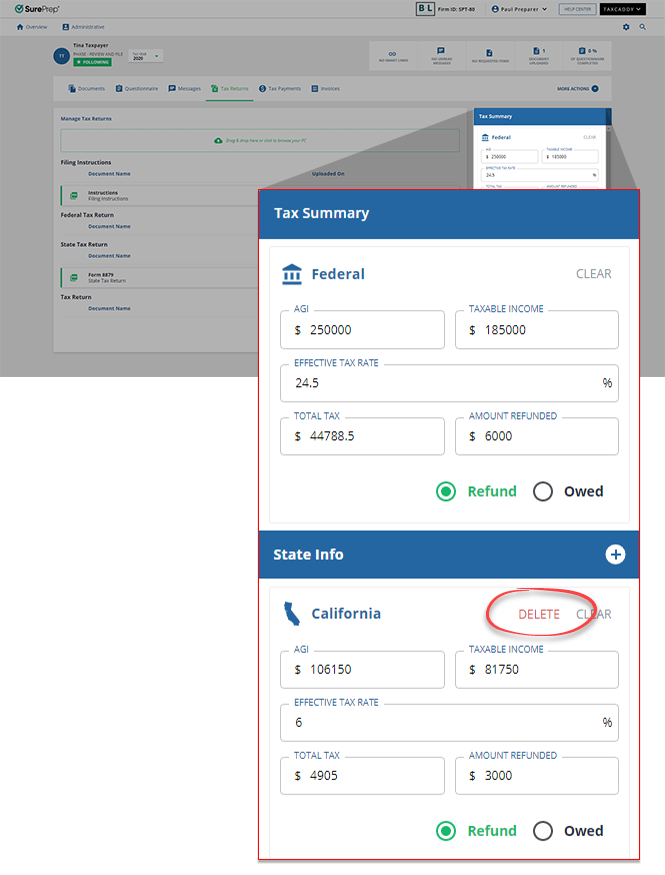
- Make any other changes you want to make state or federal tax summaries and selectSAVE.

Related Content
-
Creating or editing a Federal Tax Summary
Format: Article

