
Assign users to user groups
Follow these steps to assign users to a user group.
- Go toFileRoom,Admin,Users, thenUser Group Management.

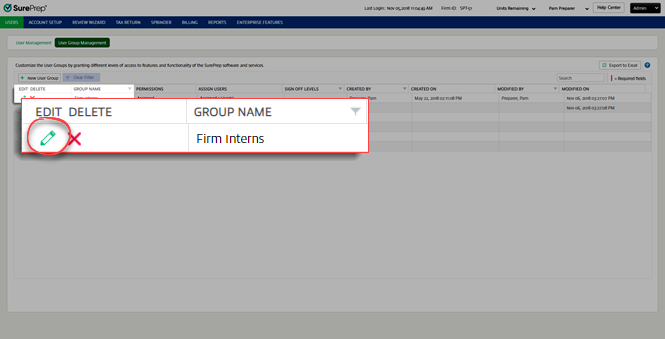
- Select theEditicon
 next to the user group to which you want to assign users.
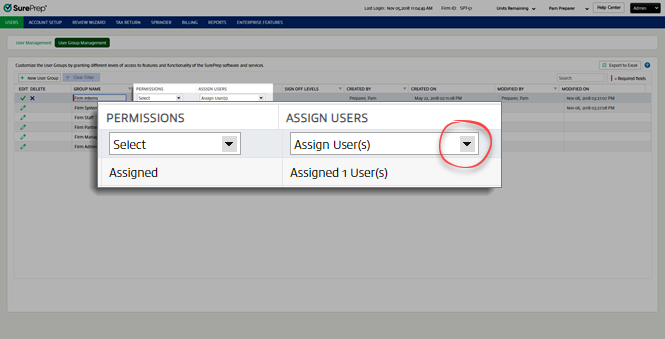
- Select theAssign User(s)picklist icon
 .
.
- To add a user, select the user you want to add underAvailable User(s), then select theAddarrow. To remove a user, select the user you want to remove underSelected User(s), then select the
 Removearrow.noteYou can search users by typing into the search field.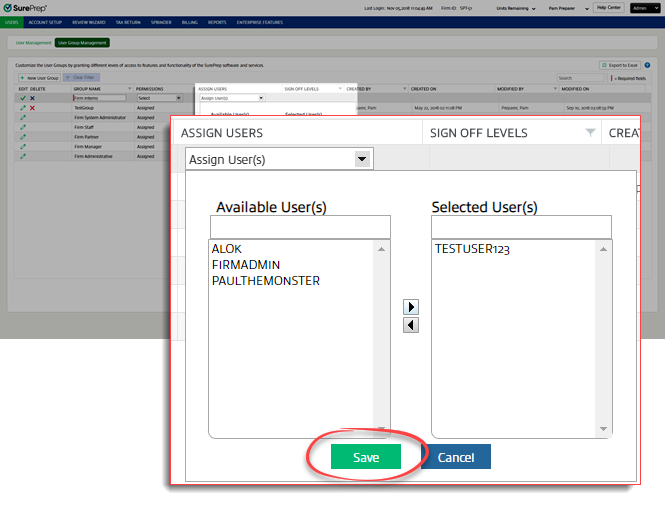
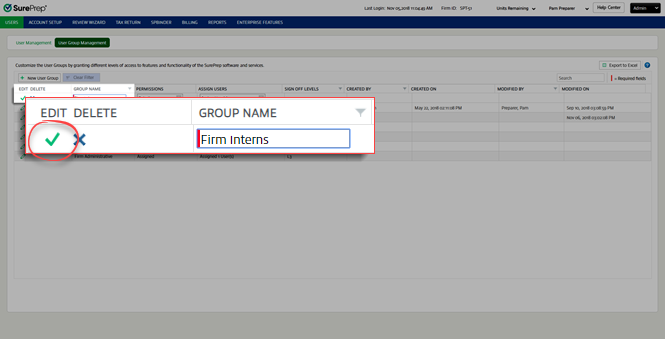
- Select theSaveicon
 .
.
Related Content
-
User Group Management overview
Format: Article

