
User Group Management overview
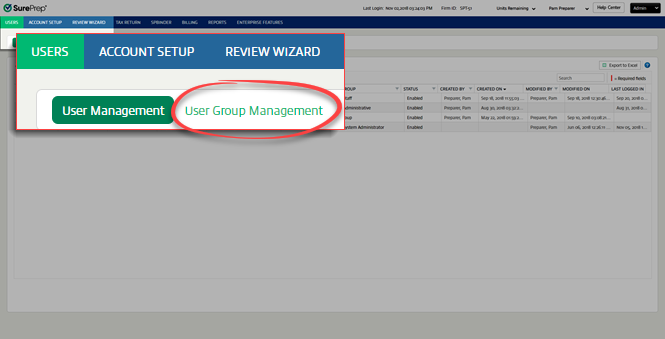
User groups let you to grant specific permissions to groups of users. Some SurePrep-defined User Groups are included, and you can create additional groups. To access User Group Management, go to
FileRoom
, Admin
, Users
, then User Group Management
.
You can perform the following actions on the
User Group Management
page:- Creating new user groups
- Assigning users to user groups
- Permissions explained
- Changing user group permissions
- Deleting user groups
- Exporting user groups to Excel
Related Content
-
Create new user groups
Format: Article
-
Assign users to user groups
Format:
Article
-
How do I set up user permissions?
Format:
Article
-
Assigning user group permissions for TaxCaddy
Format:
Article
-
Permissions explained
Format:
Article
-
Change user group permissions
Format:
Article
-
Delete user groups
Format:
Article
-
Export user groups to Excel
Format:
Article
-
Create a group email address
Format:
Article
-
A quick tour (begin here)
Format:
Article

