
Change user group permissions
Follow these steps to change a user group's permissions.
- Go toFileRoom,Admin,Users, thenUser Group Management.

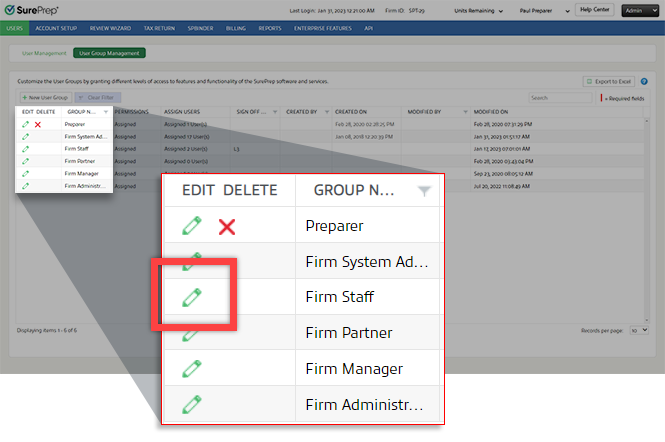
- Select theEdit
 icon next to the user group you want to edit.
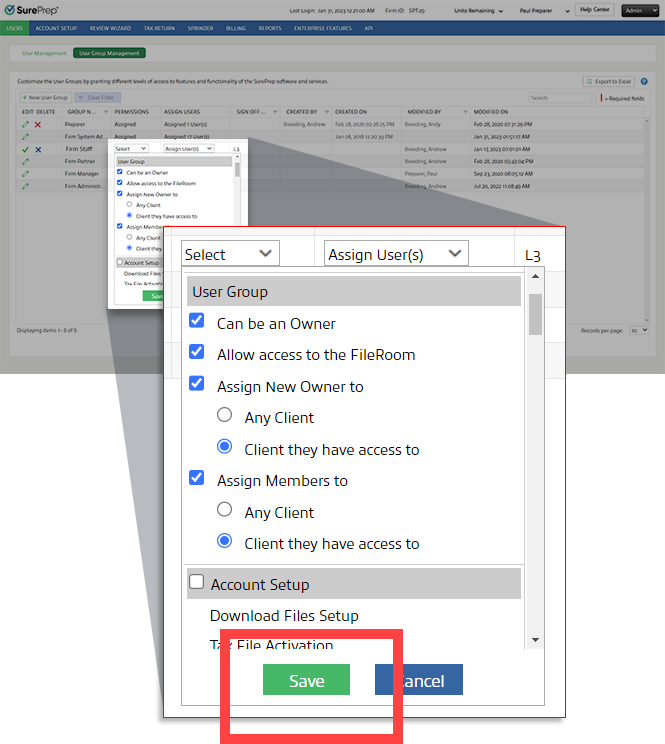
- Select thePermissionspicklist
 icon, then select or clear the permissions as needed.
- SelectSavein the permissions menu.
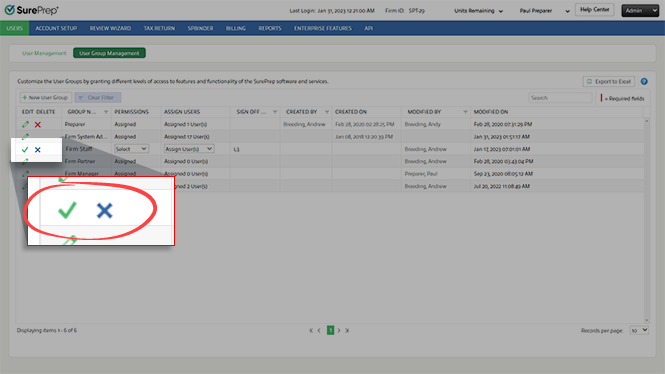
- Select theSave
 icon to save your changes.
Related Content
-
User Group Management overview
Format: Article

