
Export user groups to Excel
Follow these steps to export a list of user groups to .xls (Excel) format.
- Go toFileRoom,Admin,Users, thenUser Group Management.

- Use the filter on individual columns if you only want to export filtered data.
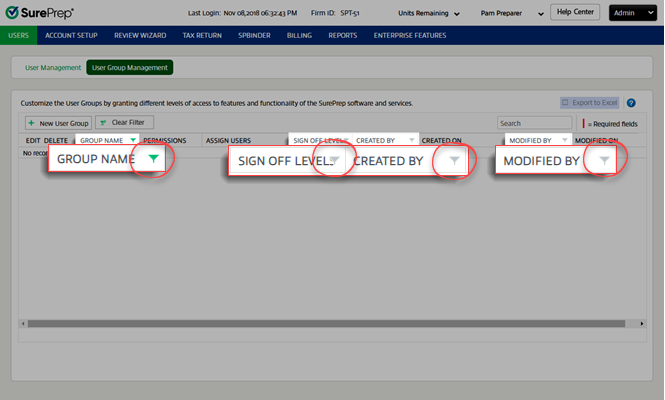
- Select theExport to Excelbutton.

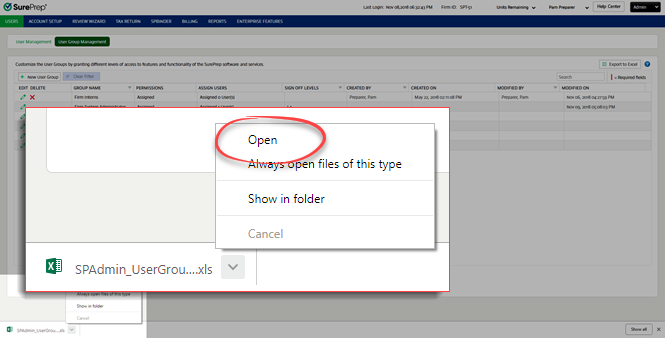
- When the file download completes, you can either open the file or save it. This window might be different depending on your browser.
- You'll see your user group data in the Excel file.

Related Content
-
User Group Management overview
Format: Article

