
Trust information
In
Create New Binder
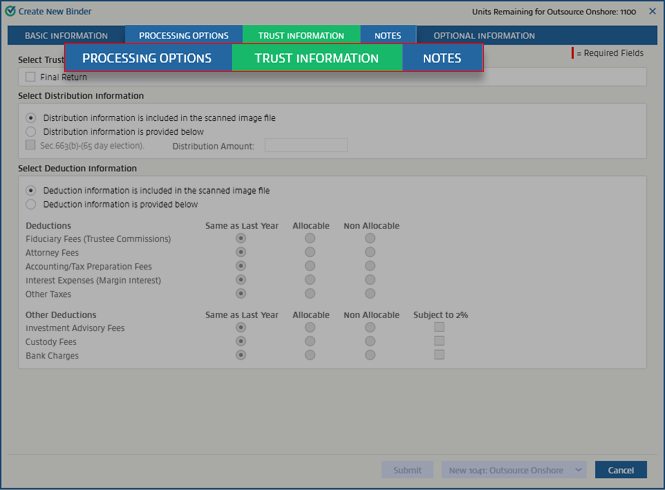
, the settings under Trust Information
let you set options such as distribution information and deduction information. This information will be considered by the preparer while preparing 1041 binders for Outsource Onshore/Offshore.note
Trust Information
tab won’t be available if 7216 Consent is not received. To enable the Trust Information
tab, go to , then select Yes
from the dropdown menu. To view the
Trust Information
tab, select Trust Information
.
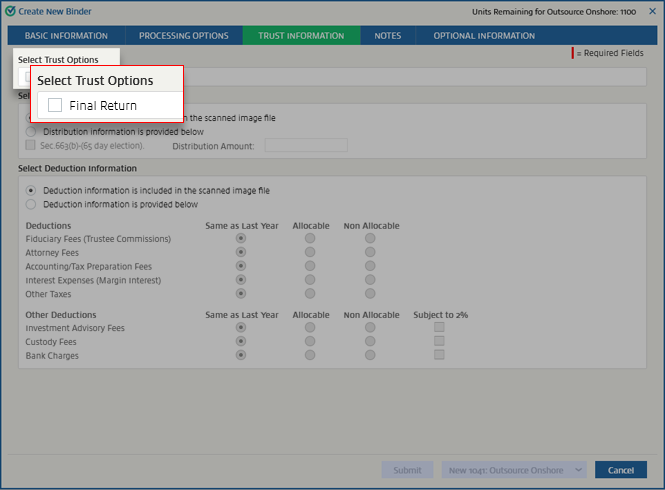
Select Trust Options
If this binder is for the final year of the trust return, select
Final Return
.
Select Distribution Information
If the information regarding distribution is provided in the scanned images, select
Distribution information is included in the scanned image file
. This will turn off Sec.663(b)-(65 day election)
and Distribution Amount
.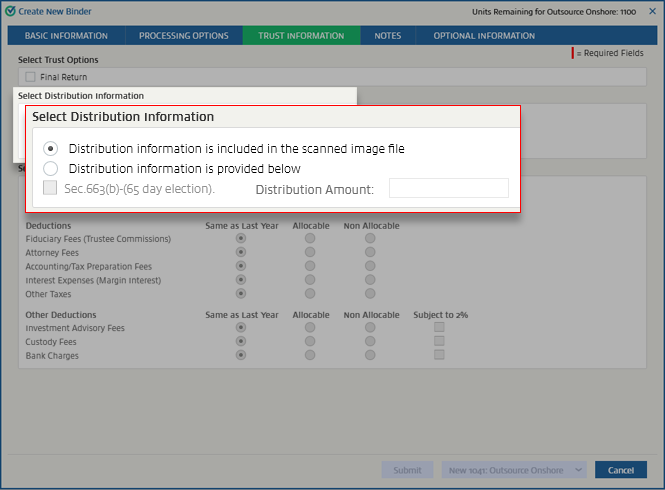
If the scanned images don't contain distribution information, select
Distribution information is provided below
, then select Sec.663(b)-(65 day election)
. If needed, enter the distribution amount in Distribution Amount
.
Select Deduction Information
If the deduction information related to the settings under
Select Deduction Information
is included in the scanned images, select Deduction information is included in the scanned image file
. When this is selected, the specific settings won’t be available.
If the scanned images don't contain this information, select
Deduction information is provided below
. This will turn on the settings under Deductions
and Other deductions
. Once these are active, you can choose your options.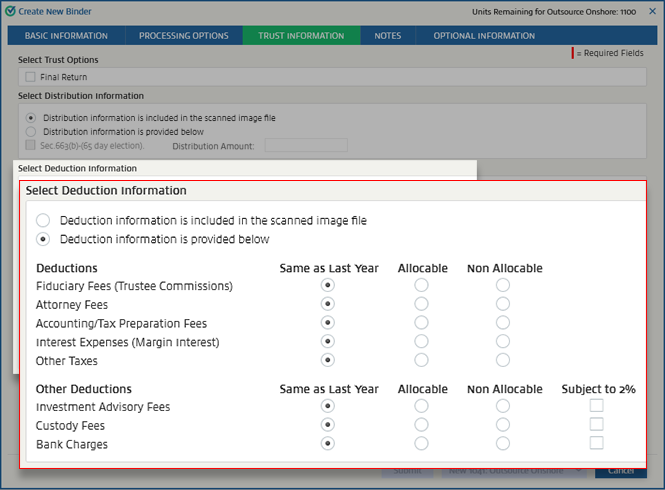
Related Content
-
Indicate final year for a trust return (trust options)
Format: Article
-
Deduction information
Format:
Article
-
Distribution information
Format:
Article

