
File a message thread to tax documents
Follow these steps to file a message thread to tax document:
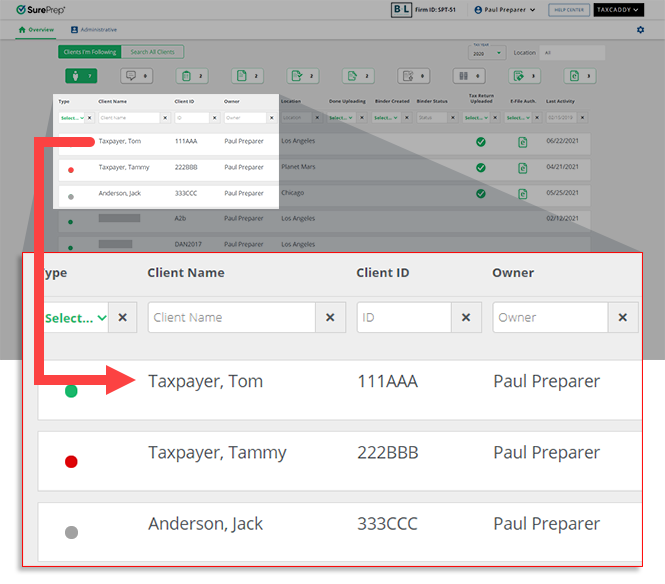
- Sign in to TaxCaddy and go to the client's profile by selecting a client tile on theOverviewscreen.
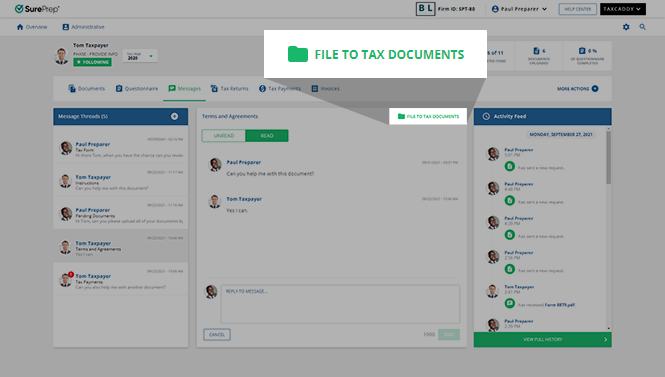
- SelectMessages.

- To file individual message threads toTax Documents, selectFILE TO TAX DOCUMENTS.noteThe message thread will be archived in its current state. To file a message thread with any new messages, selectFile to Tax Documents.
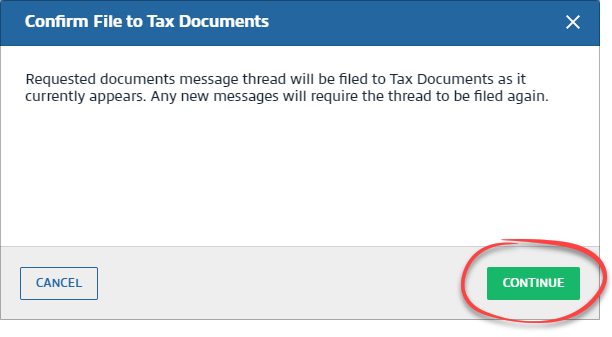
- When theConfirm File to Tax Documentswindow appears, selectCONTINUE.
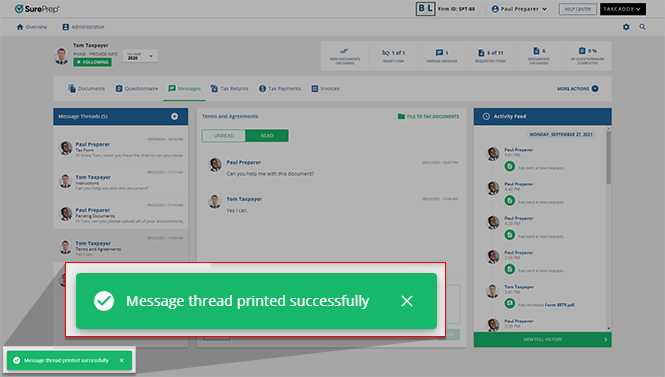
 A success message will appear once the message thread has been successfully saved in its current state.
 The archived message thread will appear on theDocumentsscreen, in theUploaded Documentstab.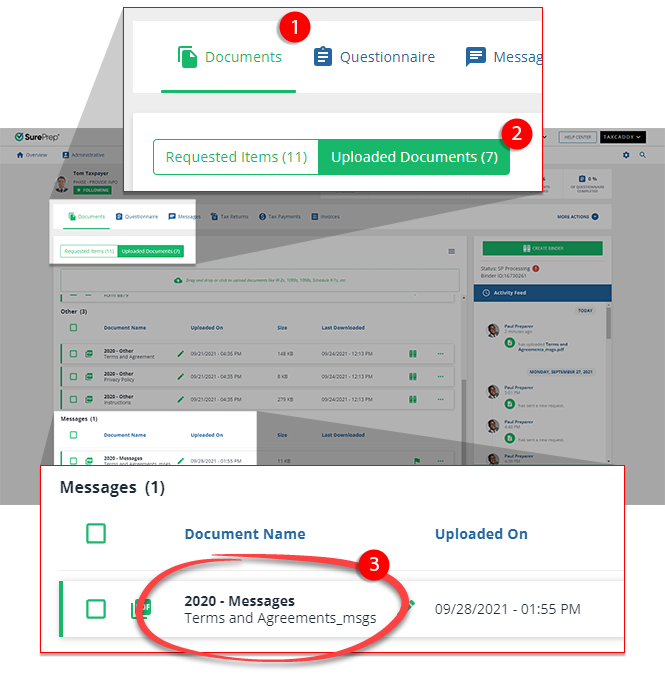
Message threads uploaded to a binder appear in the
Other Information
folder in the INDEX TREE
tab.
Related Content
-
Message your clients
Format: Article,
4 min read
Article,
4 min read
-
Message your clients
Format:
Article,
4 min read
-
Message via the Tax Return message panel
Format:
Article,
2 min read
-
Message via document view message panel
Format:
Article,
2 min read

