
Deleting an invoice
Follow these steps to delete an invoice:
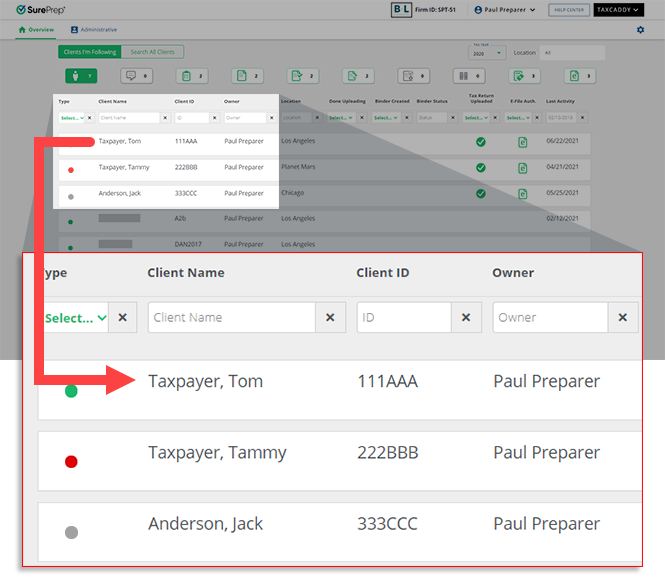
- On theOverviewscreen, select a client tile to view the client profile. You can also search for a client then select the client tile from the search result.
- Select theInvoicestab.

- Select the tax year.

- A list of your client's invoices will appear here. Select theMenu
 icon.
icon. 
- When the options appear, selectDelete.
 TheDeletebutton will be disabled if the invoice has already been marked as paid, in progress, or refunded.
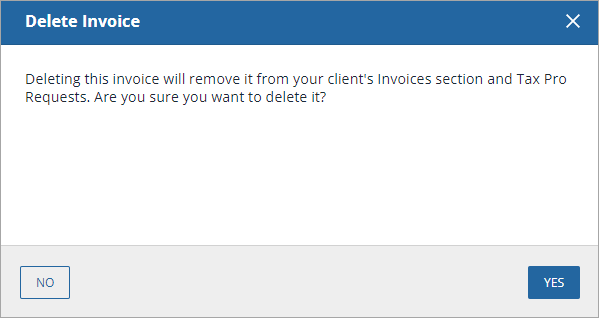
- When theDelete Invoicewindow appears, selectYESto delete the invoice, selectNOto cancel deleting the invoice.
note
If status notifications are enabled by the user, then in 24 hours only a single notification email will be sent to the user per each notification type (add, edit, delete, refund, or mark as paid). For example: If you add 2 invoices, and delete one, then only 1 invoice will be sent for adding an invoice, and one for deleting an invoice.
Related Content
-
Adding an invoice
Format: Article,
6 min read
Article,
6 min read
-
Invoices Overview
Format:
Article,
2 min read
-
Adding an invoice
Format:
Article,
6 min read
-
Editing an invoice
Format:
Article,
3 min read

